Tomau.AITomau.AI

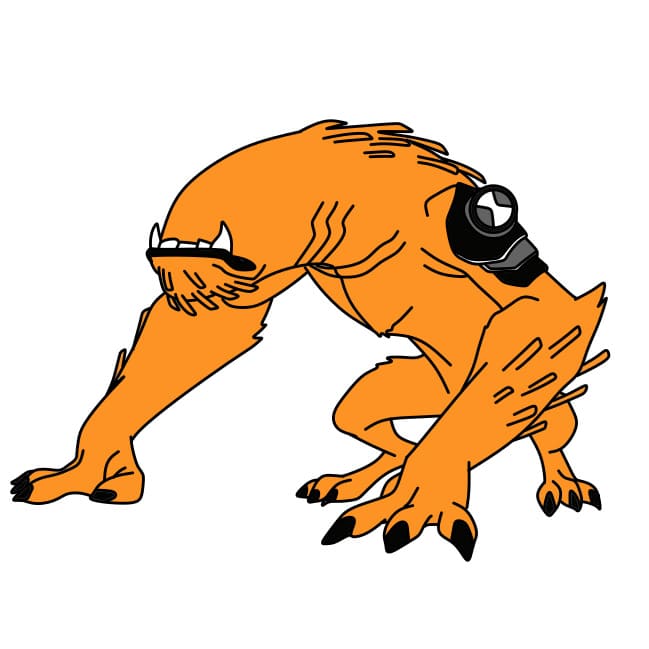
How to Draw WILDMUTT's Shape from Ben 10

Animation
How to Draw WILDMUTT's Shape from Ben 10

Want to learn how to draw how to draw wildmutt's shape from ben 10? This tutorial will help you do it in just 8 simple steps, with clear illustrations for each step. Whether you're a beginner or experienced, the steps below are easy to understand and follow.

You just need a pencil, drawing paper, and an eraser — then start drawing step by step!

This lesson includes 1 different ways to draw. Choose the one that suits you best!
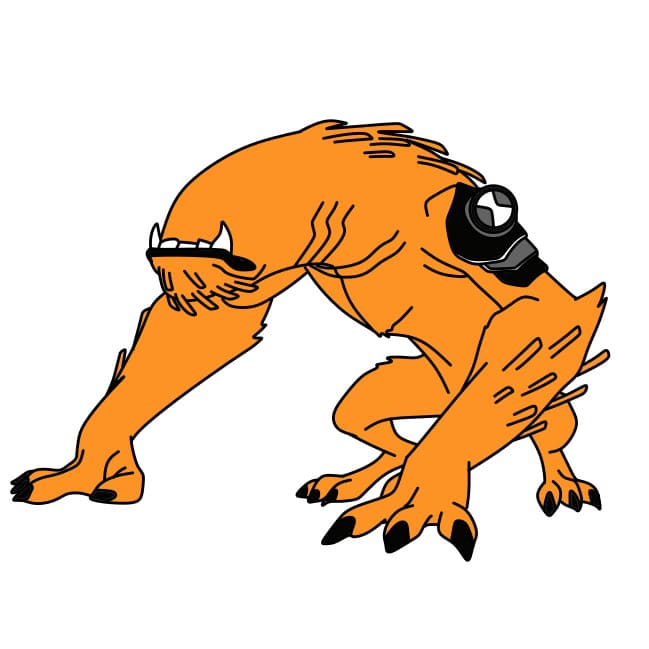
Simple and Beautiful Drawing Tutorial for Ben 10's WILDMUTT Transformation for Kids

Simple and Beautiful Drawing Tutorial for Ben 10's WILDMUTT Transformation for Kids

8 steps
1

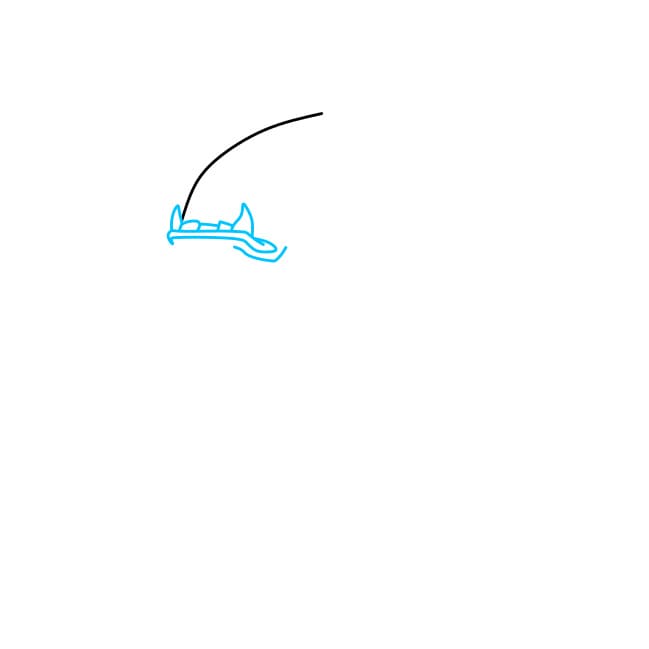
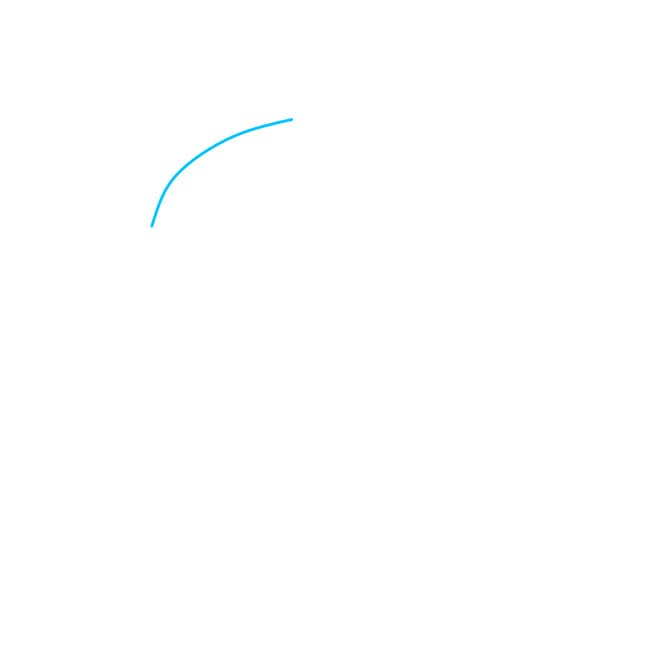
Step 1

Draw the head of Ben WILDMUTT

Practice
Simple and Beautiful Drawing Tutorial for Ben 10's WILDMUTT Transformation for Kids - Step 1
2

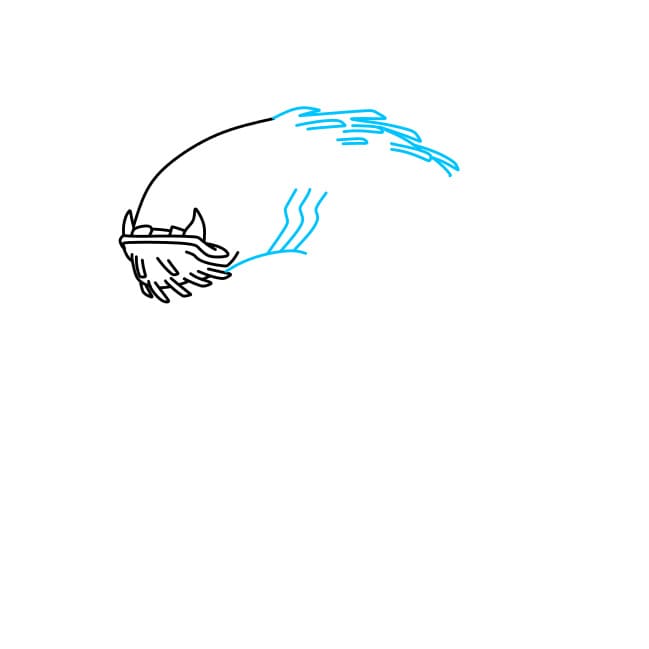
Step 2

Next, draw the mouth with jagged teeth

Practice
Simple and Beautiful Drawing Tutorial for Ben 10's WILDMUTT Transformation for Kids - Step 2
3

Step 3

Draw the neck of Ben WILDMUTT

Practice
Simple and Beautiful Drawing Tutorial for Ben 10's WILDMUTT Transformation for Kids - Step 3
4

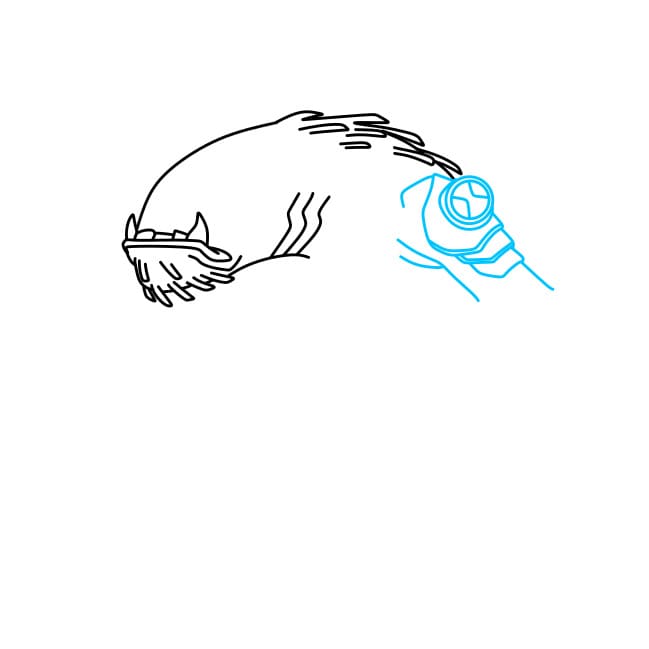
Step 4

Ben's symbol is essential on Ben WILDMUTT's arm

Practice
Simple and Beautiful Drawing Tutorial for Ben 10's WILDMUTT Transformation for Kids - Step 4
5

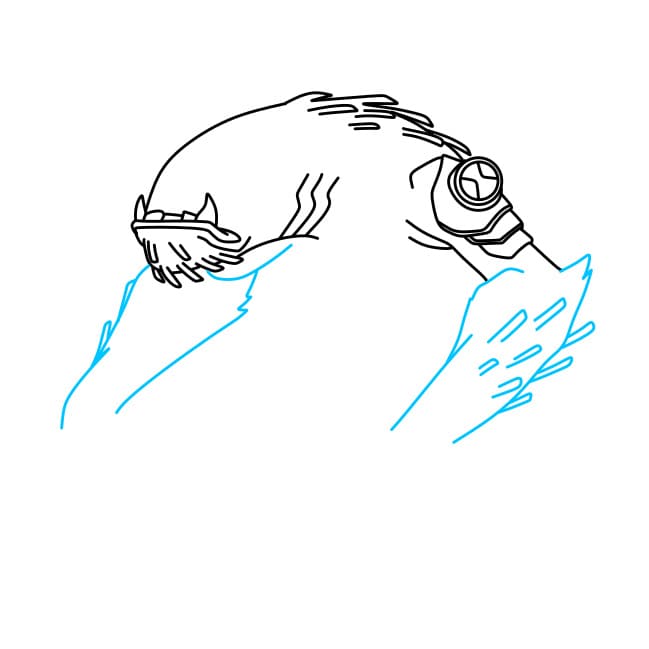
Step 5

Draw his long arms

Practice
Simple and Beautiful Drawing Tutorial for Ben 10's WILDMUTT Transformation for Kids - Step 5
6

Step 6

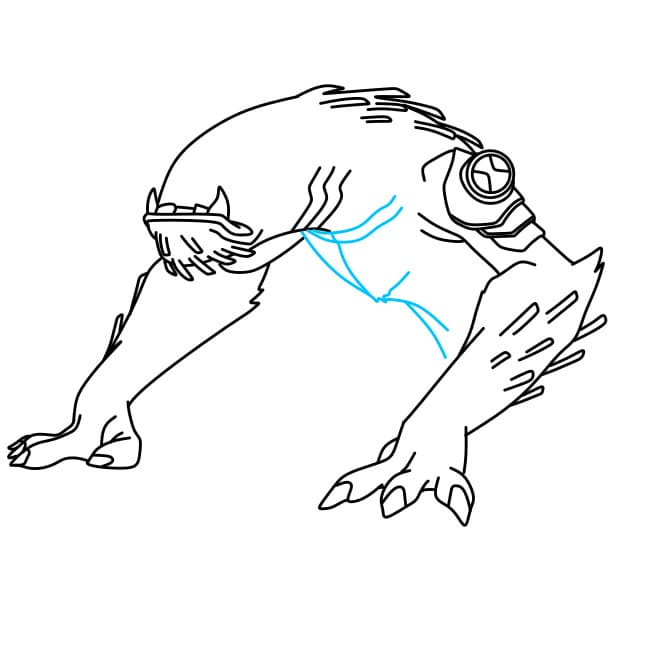
Draw the body of this monster

Practice
Simple and Beautiful Drawing Tutorial for Ben 10's WILDMUTT Transformation for Kids - Step 6
7

Step 7

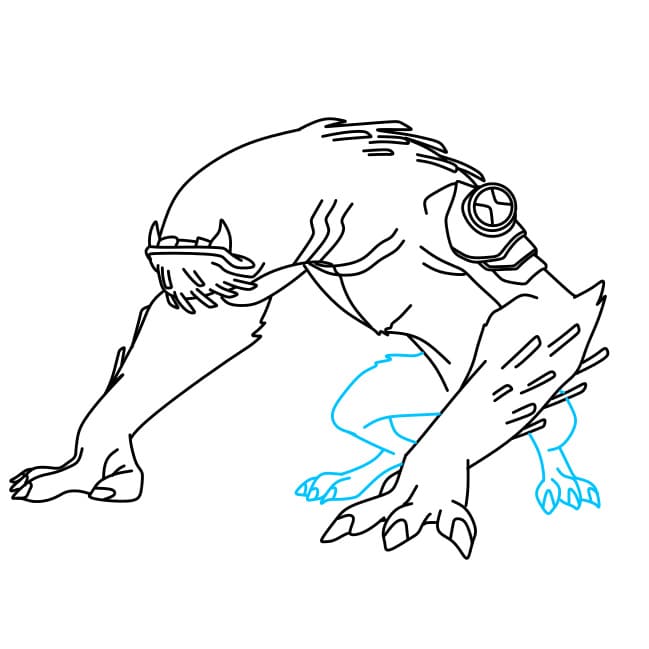
Draw the legs for Ben WILDMUTT

Practice
Simple and Beautiful Drawing Tutorial for Ben 10's WILDMUTT Transformation for Kids - Step 7
8

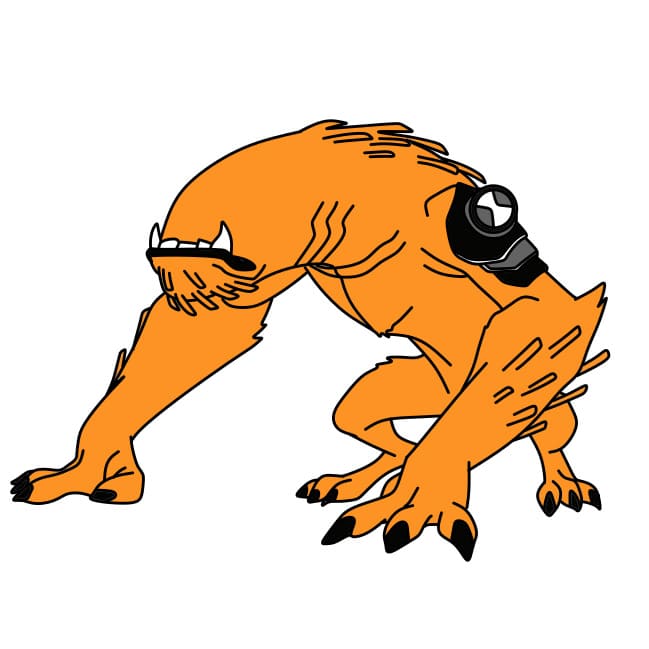
Step 8

Color to complete the picture. We hope this tutorial on drawing Ben 10's WILDMUTT transformation helps you create a beautiful artwork!
Practice
Simple and Beautiful Drawing Tutorial for Ben 10's WILDMUTT Transformation for Kids - Step 8
▶Drawing tips
  • Draw lightly with a pencil first, then darken the lines when you're satisfied.
  • You don't need to draw exactly like the sample — add your own style!
  • After finishing your drawing, you can color it directly on Tomau.AI to make it more vibrant.
More Animation drawing tutorials

View all