How to Draw a Red Panda
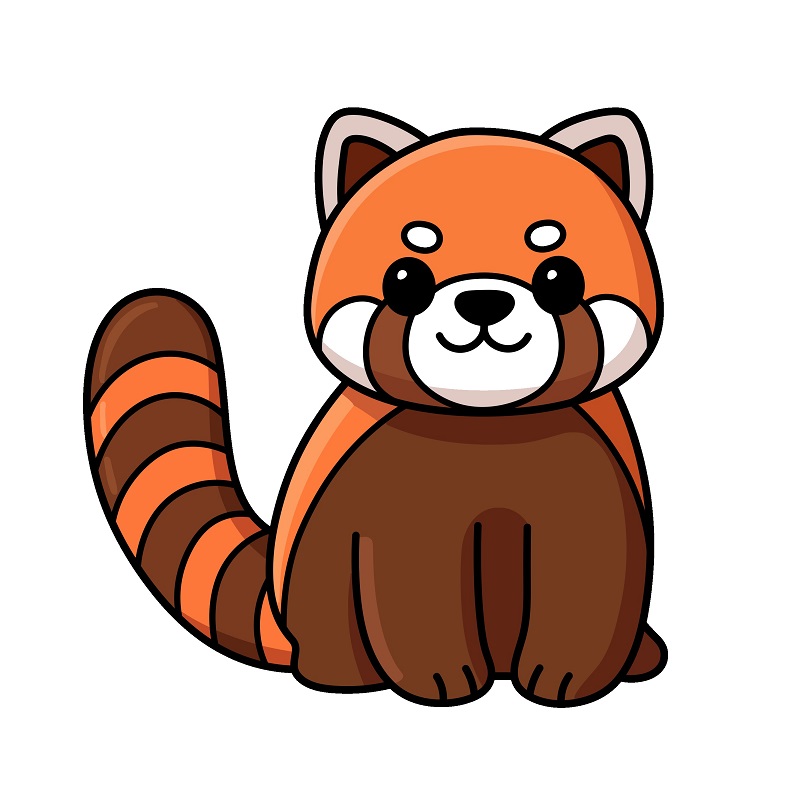
Want to learn how to draw how to draw a red panda? This tutorial will help you do it in just 34 simple steps, with clear illustrations for each step. Whether you're a beginner or experienced, the steps below are easy to understand and follow.
You just need a pencil, drawing paper, and an eraser — then start drawing step by step!
This lesson includes 4 different ways to draw. Choose the one that suits you best!
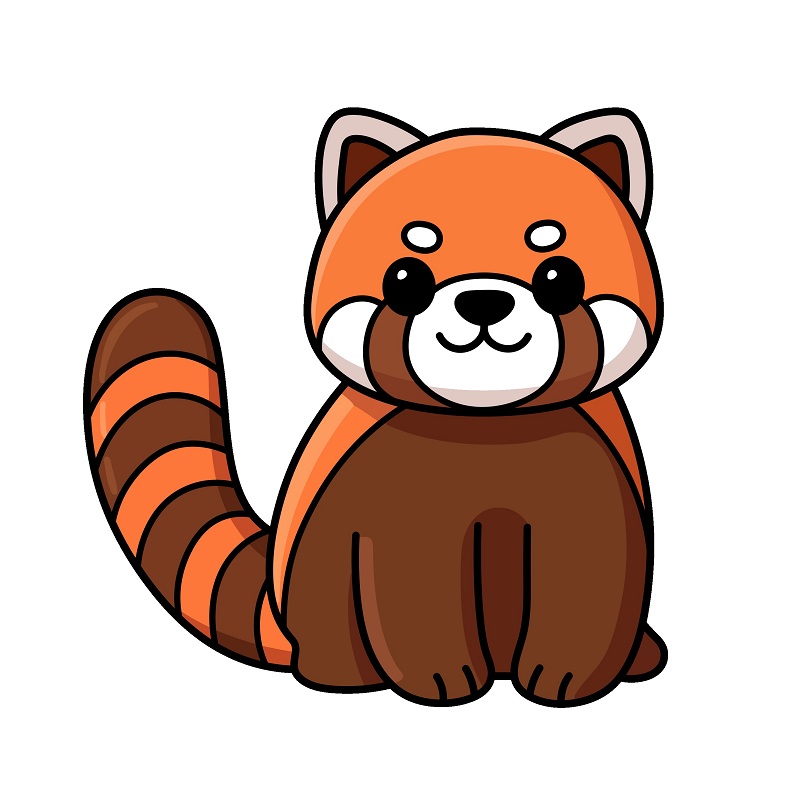
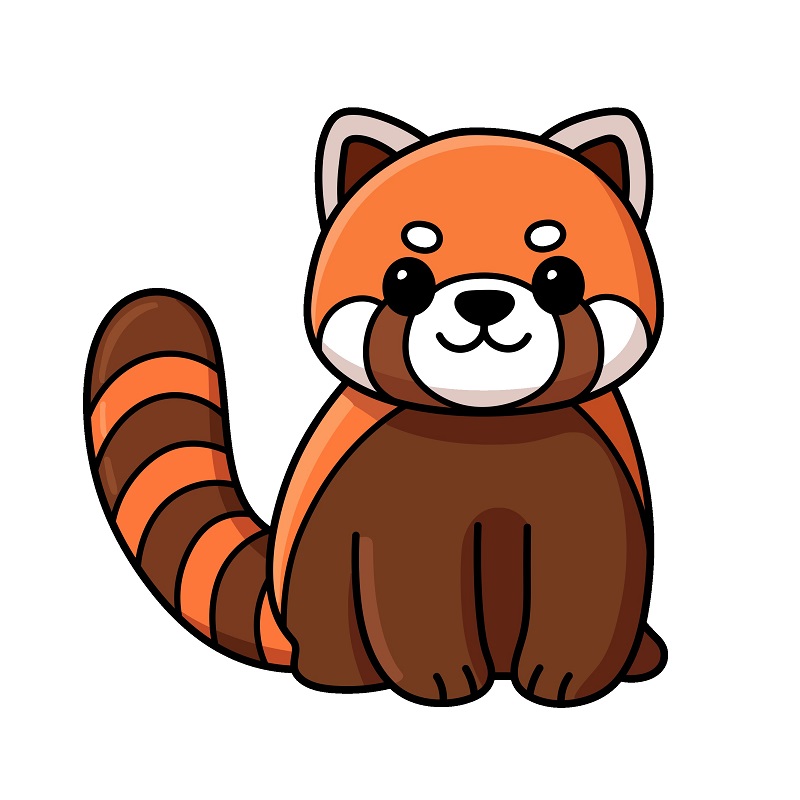
How to Draw a Cute Red Panda.
9 steps

Step 2
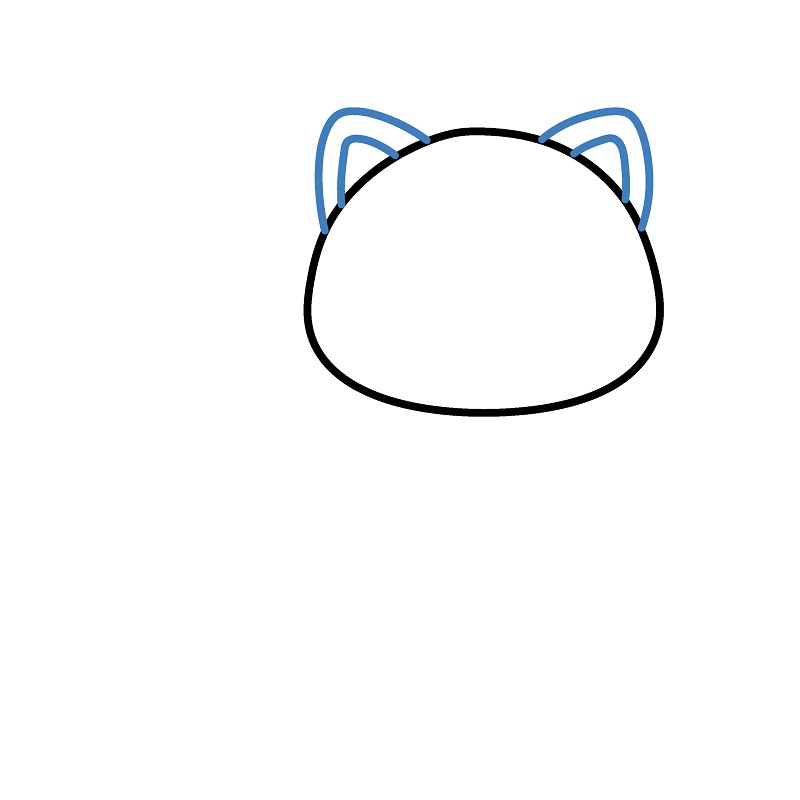
Add two triangular ears on top of the head. The ears are drawn symmetrically with small curves inside for more detail.
Step 3
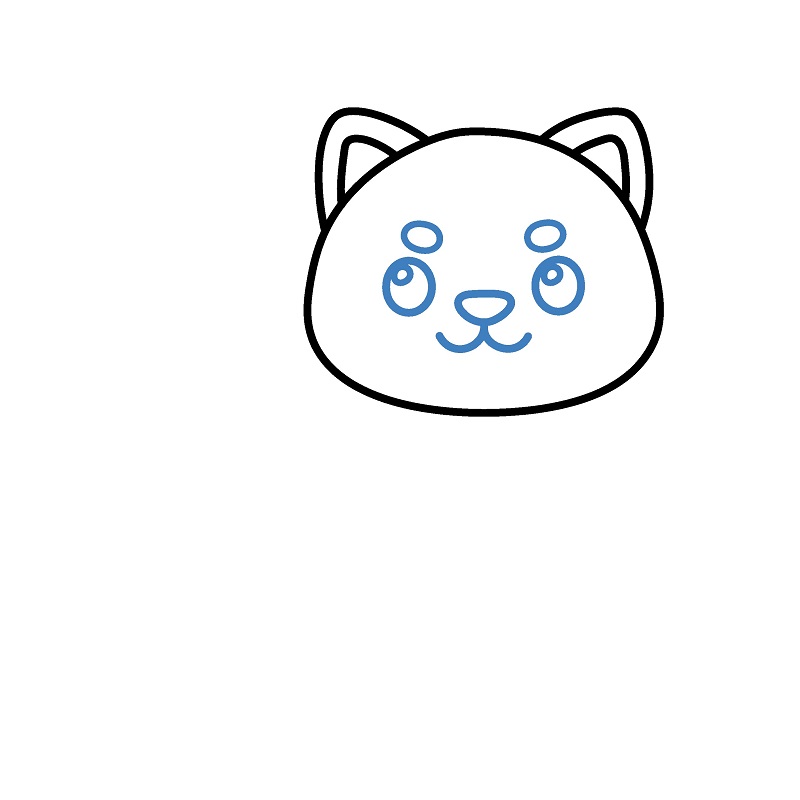
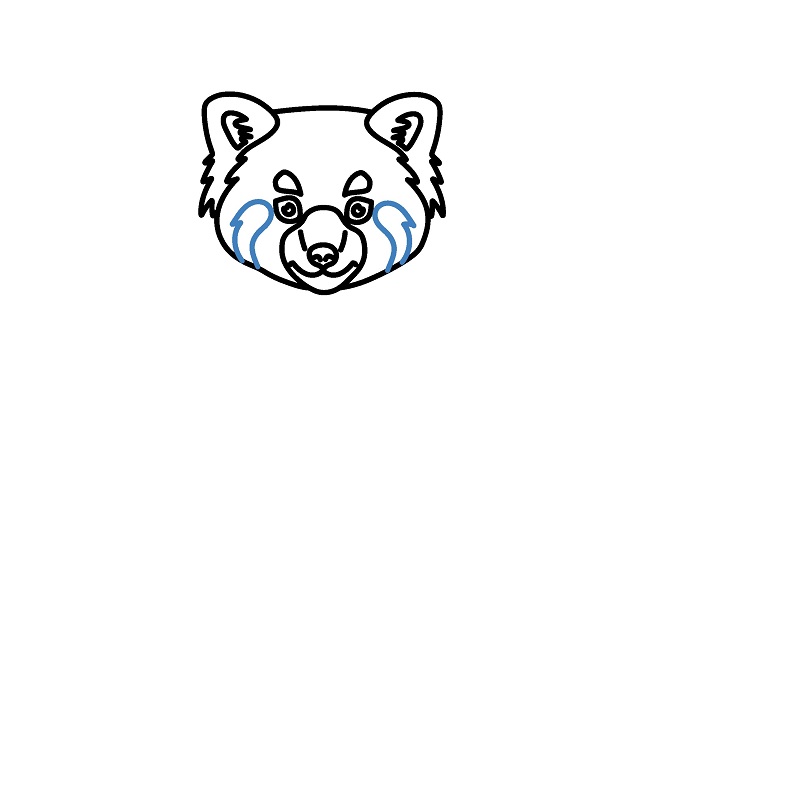
Draw the face of the red panda. Include two small round eyes, a triangular nose, and a simple curved mouth.
Step 5
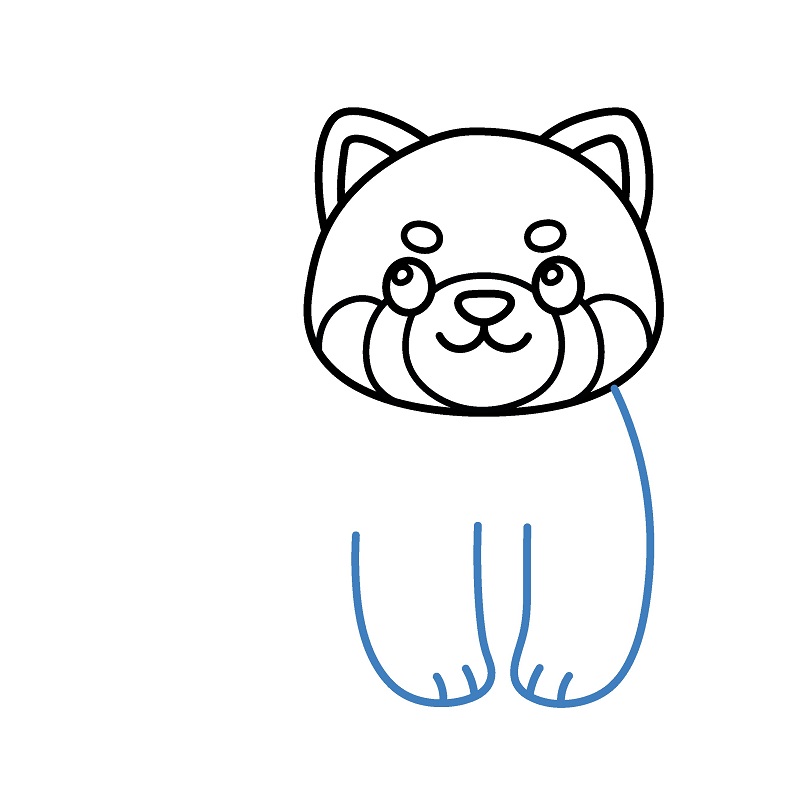
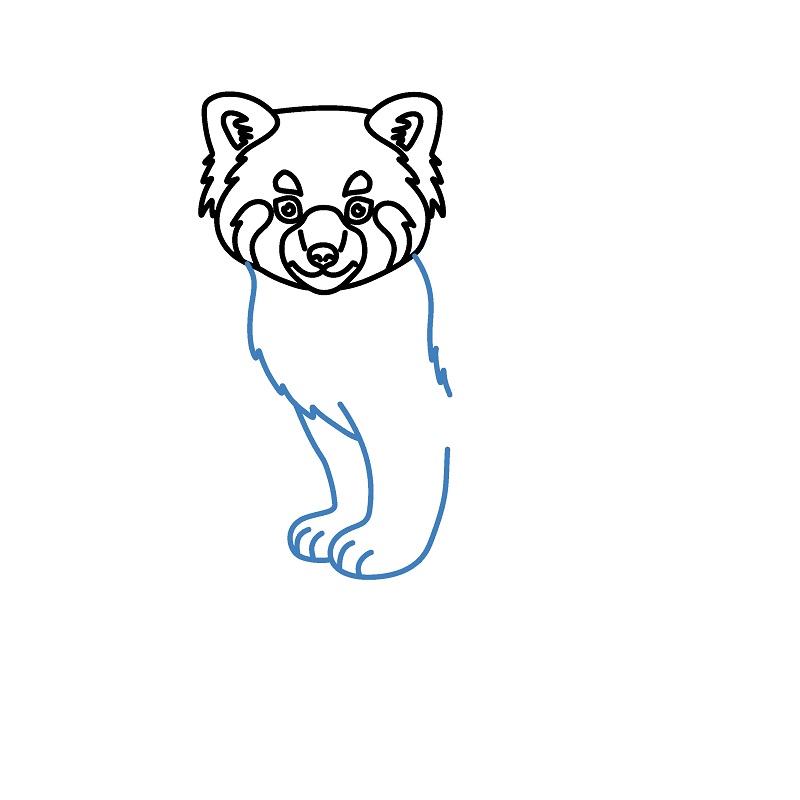
Draw the two front legs with straight lines extending down from the head, curving at the bottom to form the feet.
Step 6
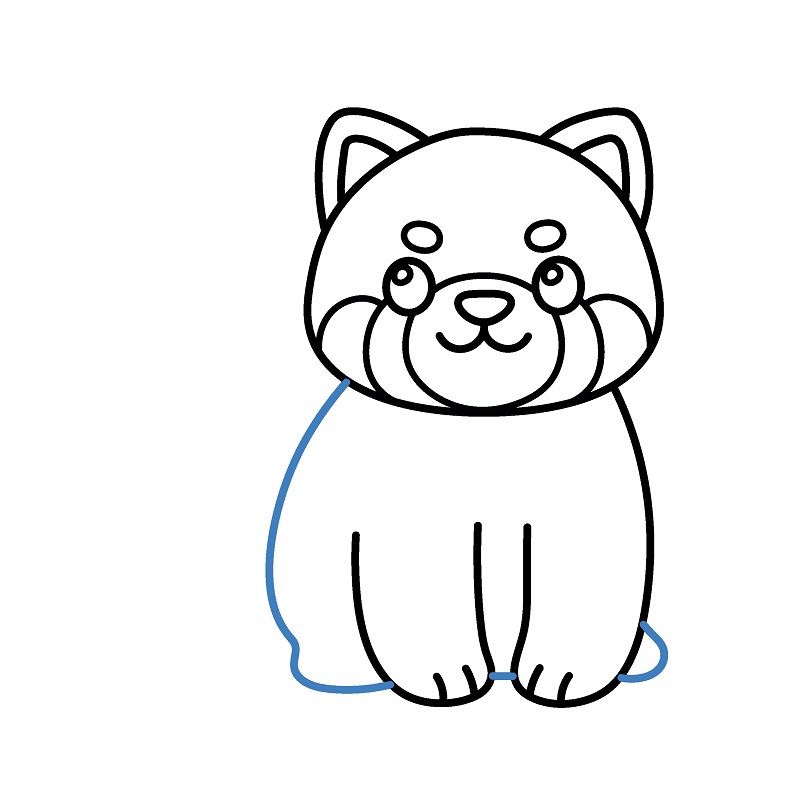
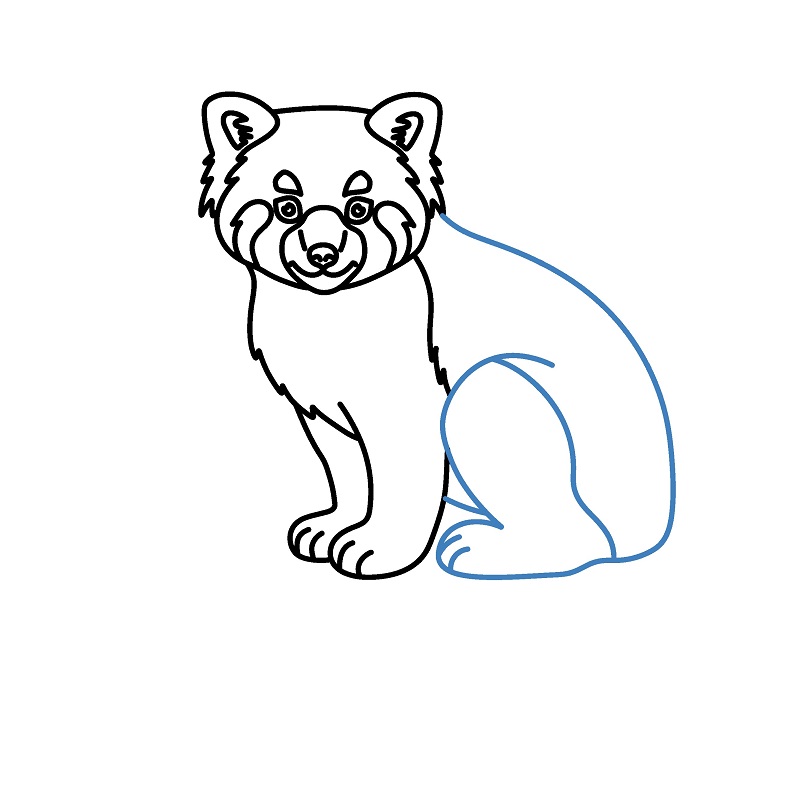
Draw the back body and hind legs. The body is drawn with a simple curve connecting to the front legs.
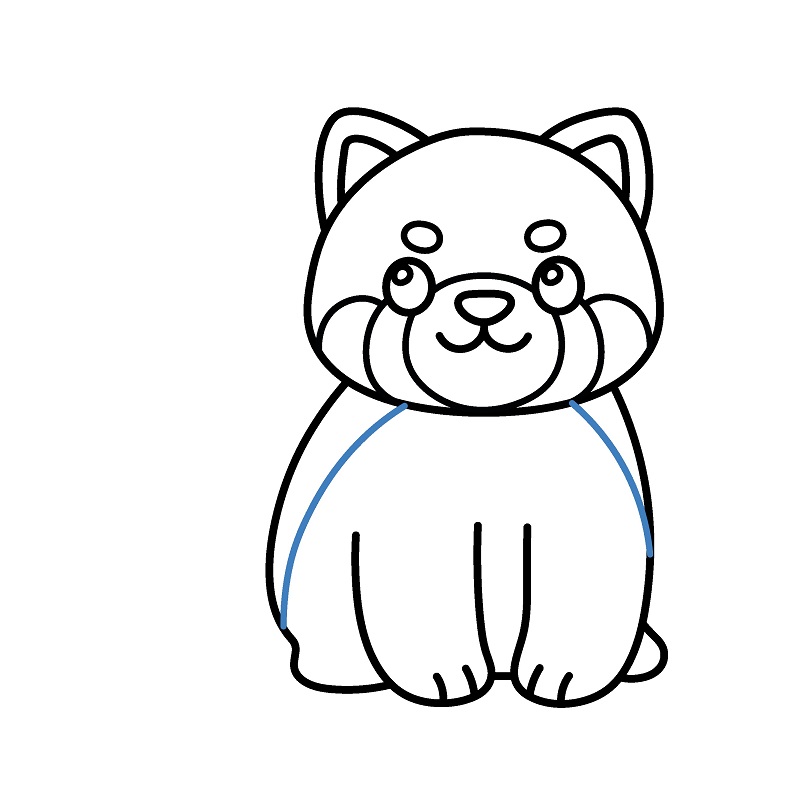
Step 8
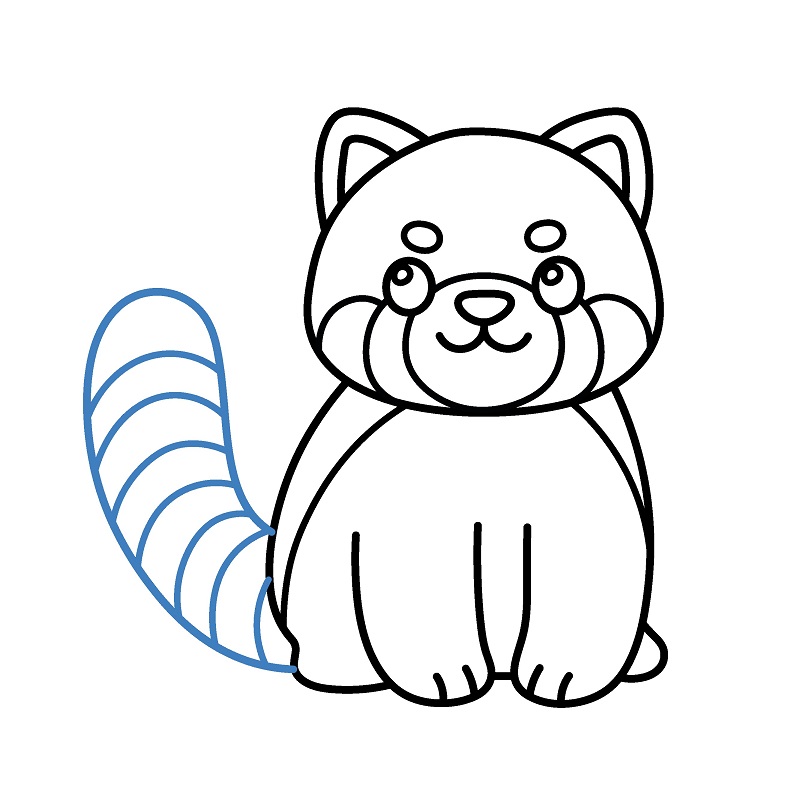
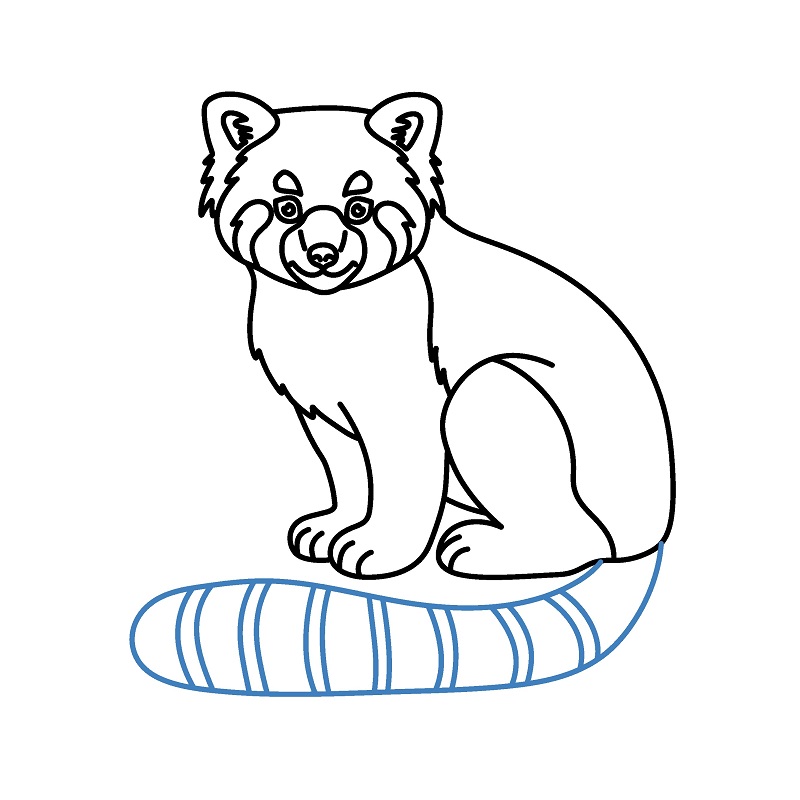
Add a tail for the red panda. The tail is drawn long and curved, with distinctive horizontal stripes.
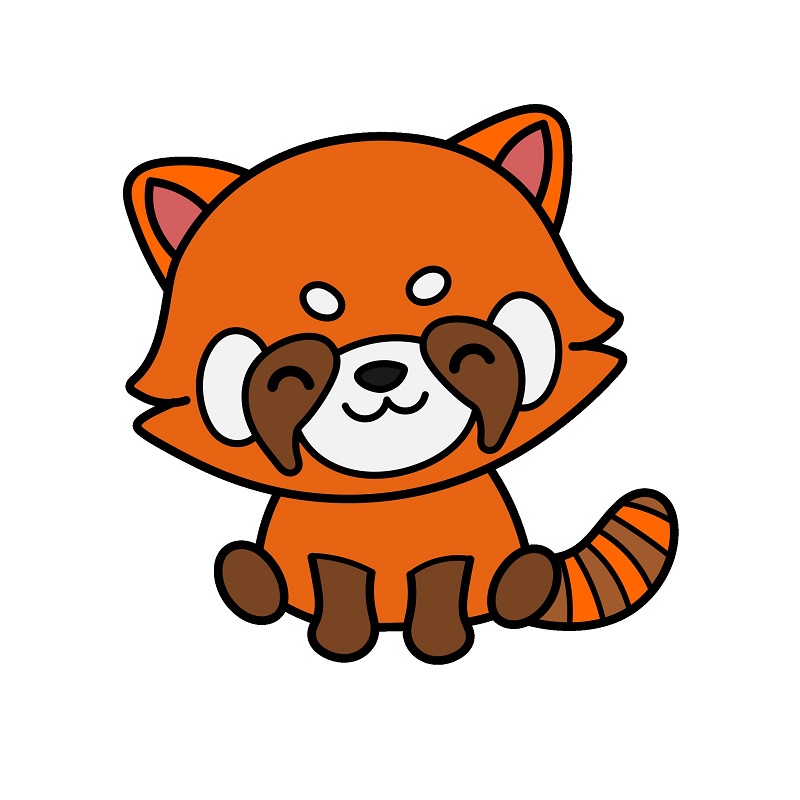
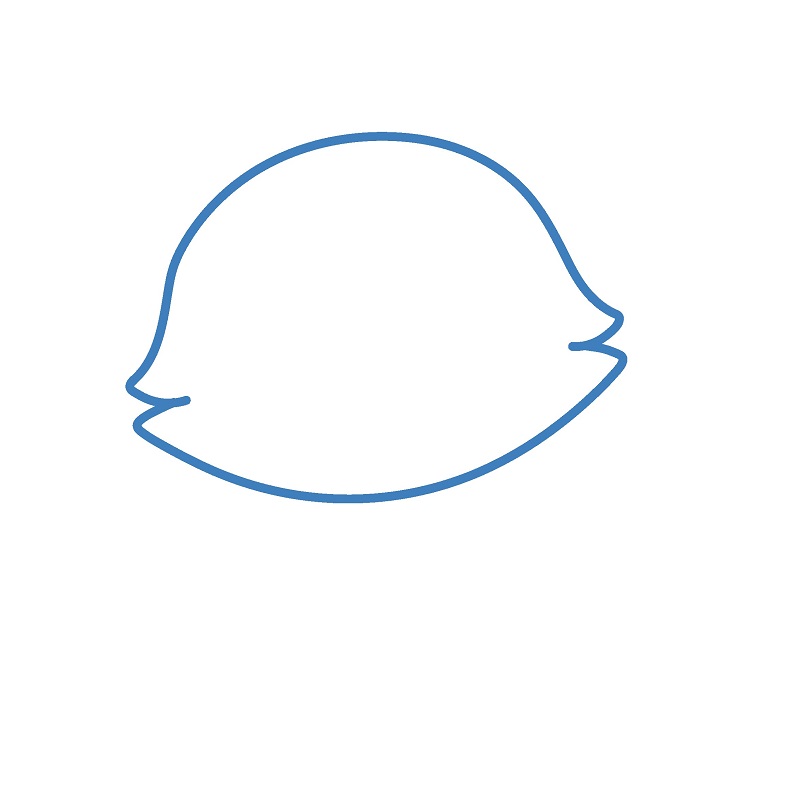
Chibi Red Panda Drawing Tutorial
9 steps
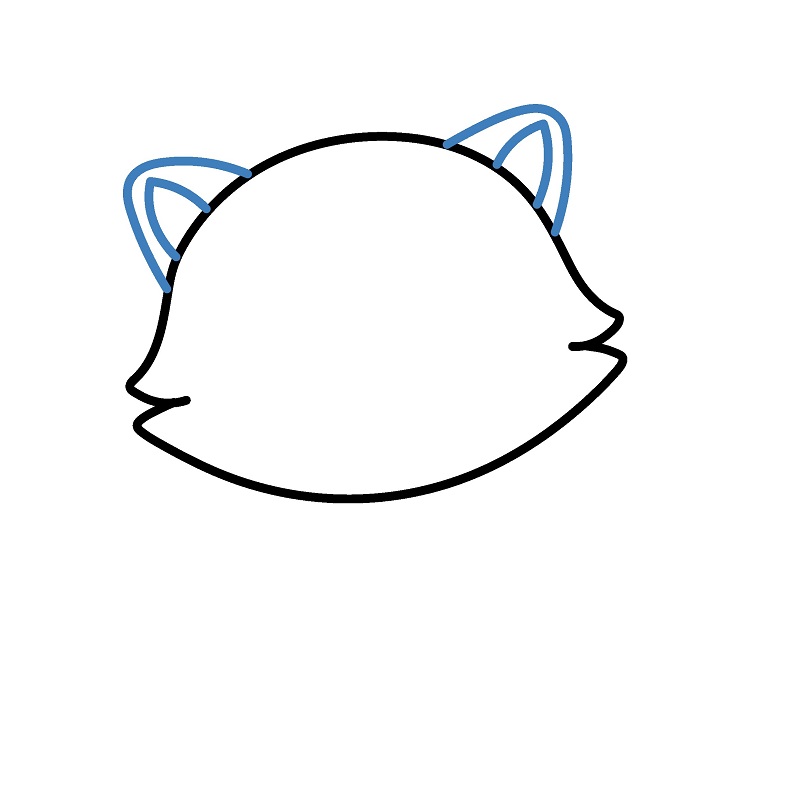
Step 2
Add two triangular ears on top of the head. The ears are drawn symmetrically with small curves inside for detail.
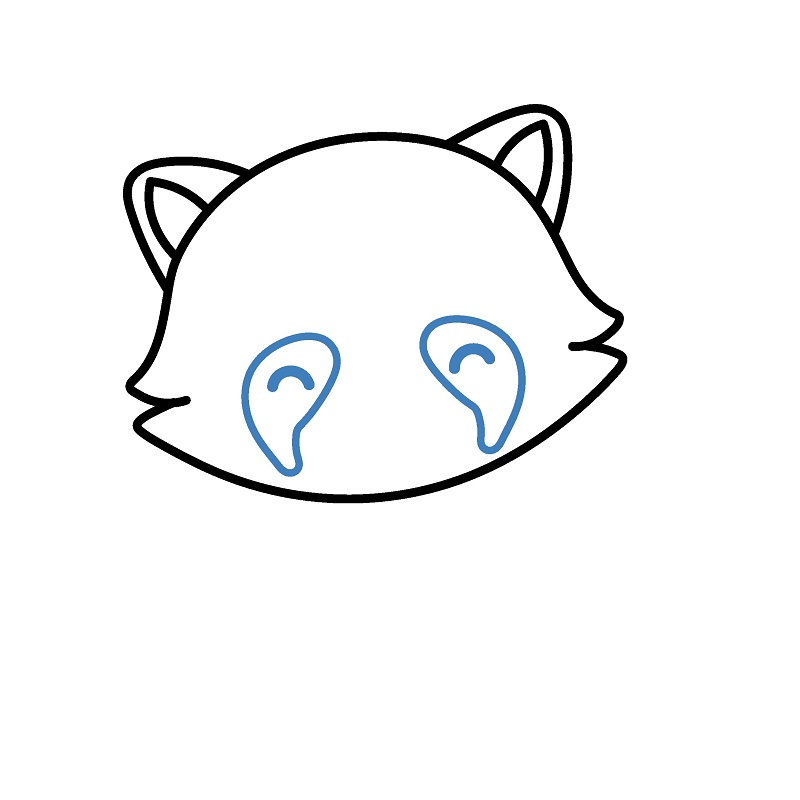
Step 3
Draw the eyes and the characteristic fur patches around them. Each fur patch is represented by a downward-curving shape.
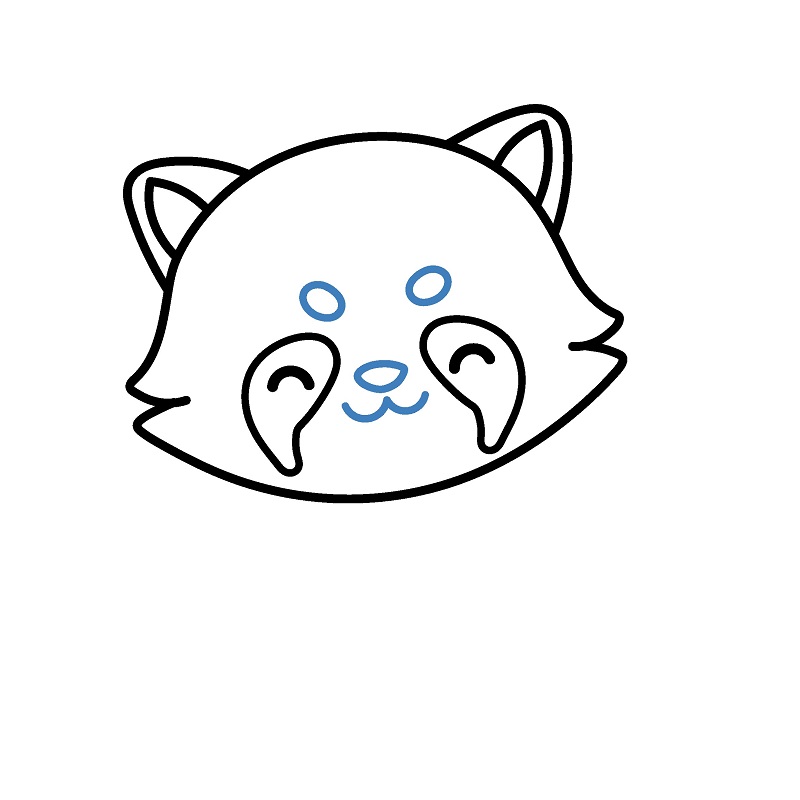
Step 4
Add the nose, mouth, and finish the facial details. The nose is a small triangle, while the mouth is a simple curve.
Step 5
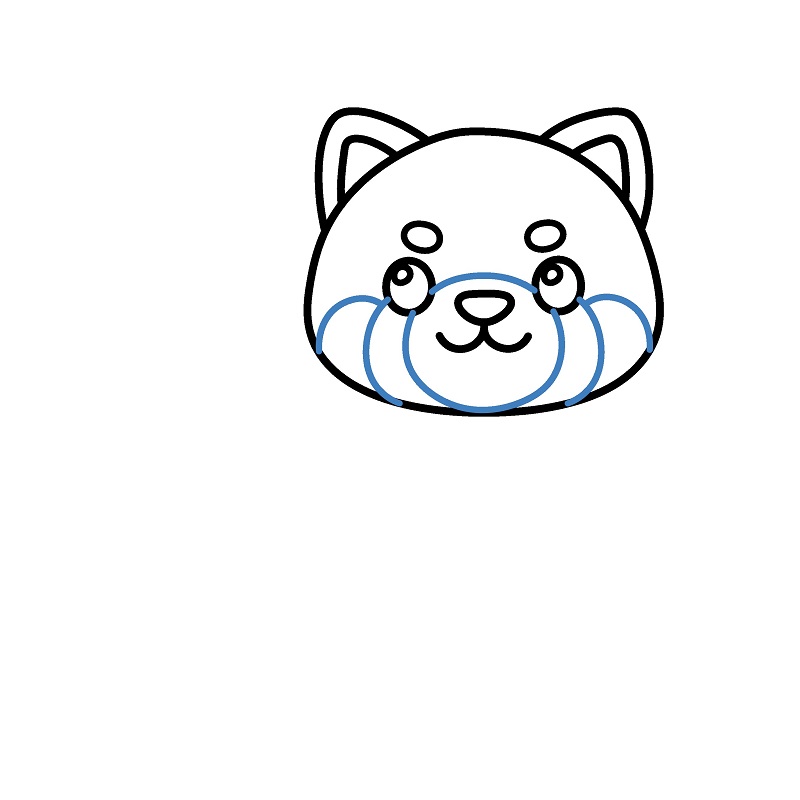
Add curved lines below the face to create the characteristic chubby cheeks of the red panda.
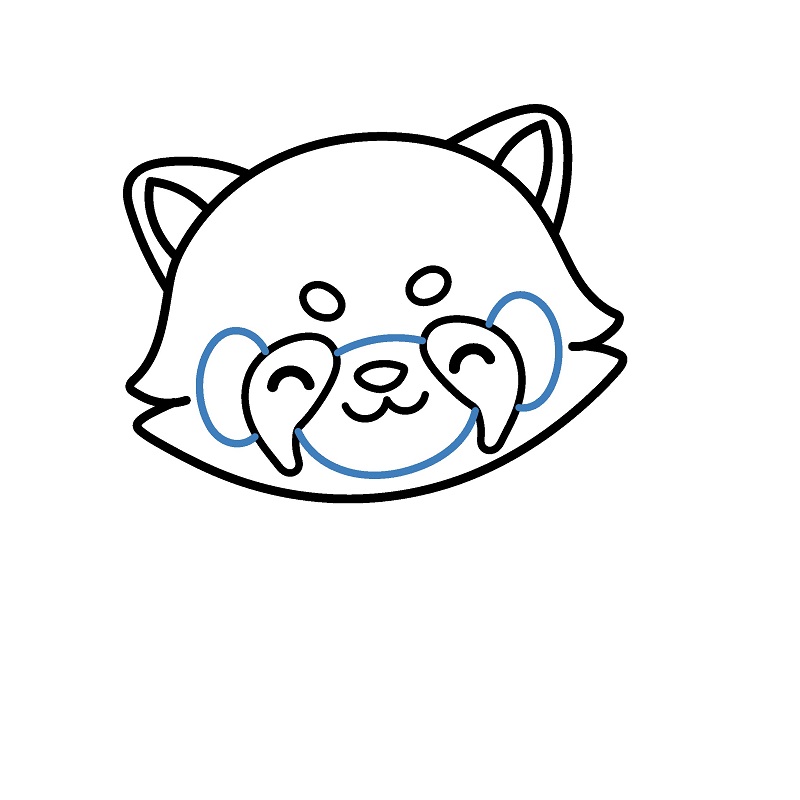
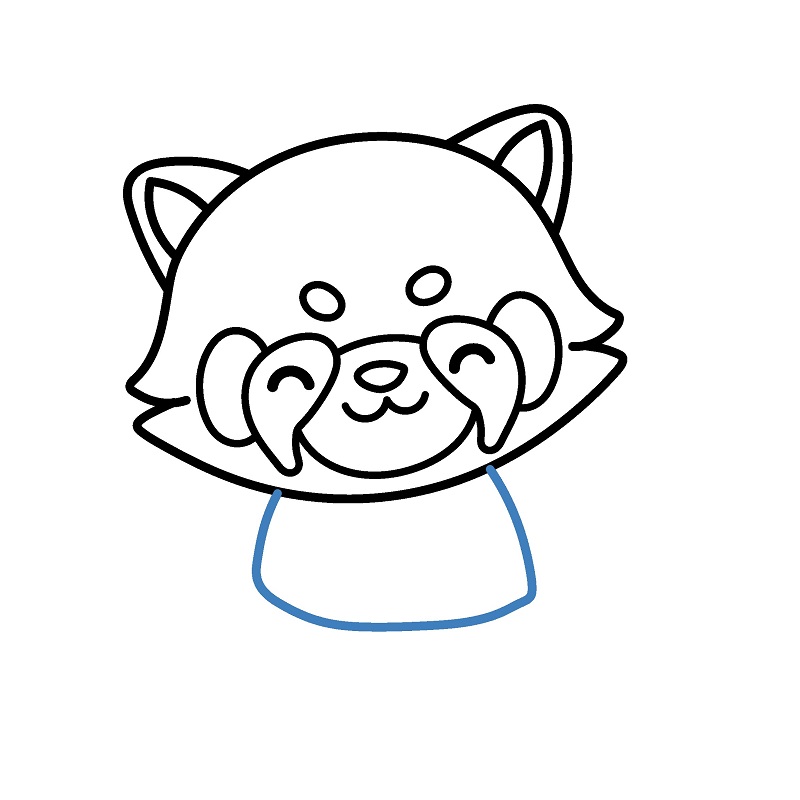
Step 7
Draw the front legs of the red panda. They are represented by small curves, forming round feet.
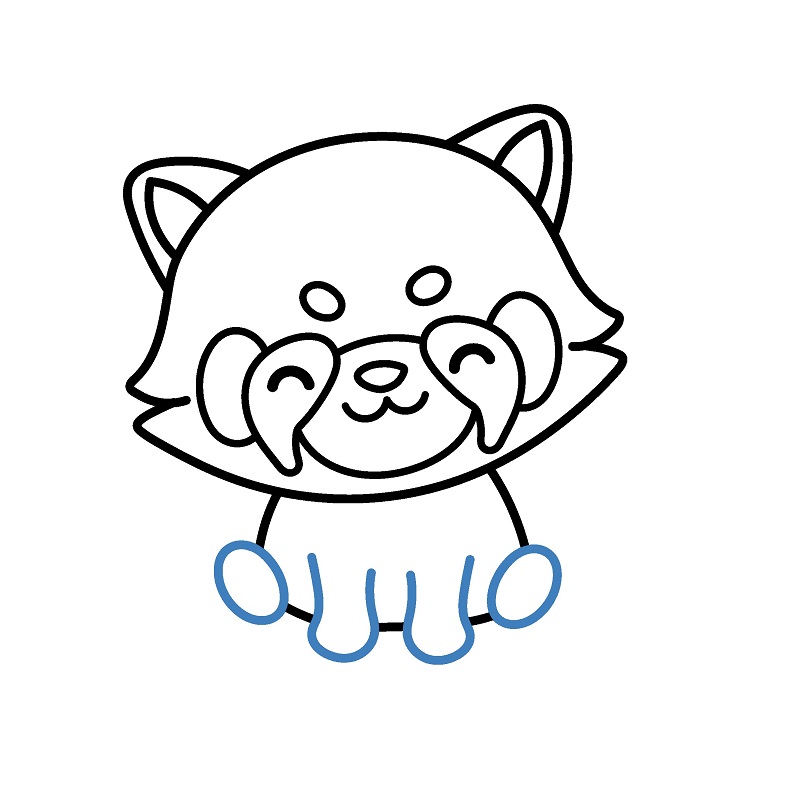
Step 8
Add a tail for the red panda. The tail is drawn long and curved, with characteristic horizontal stripes.
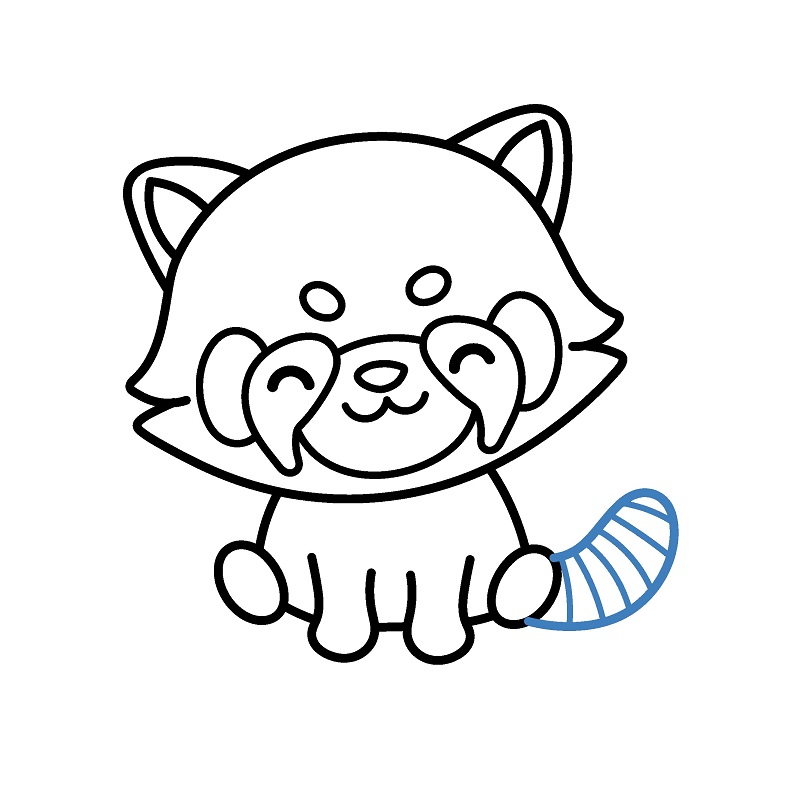
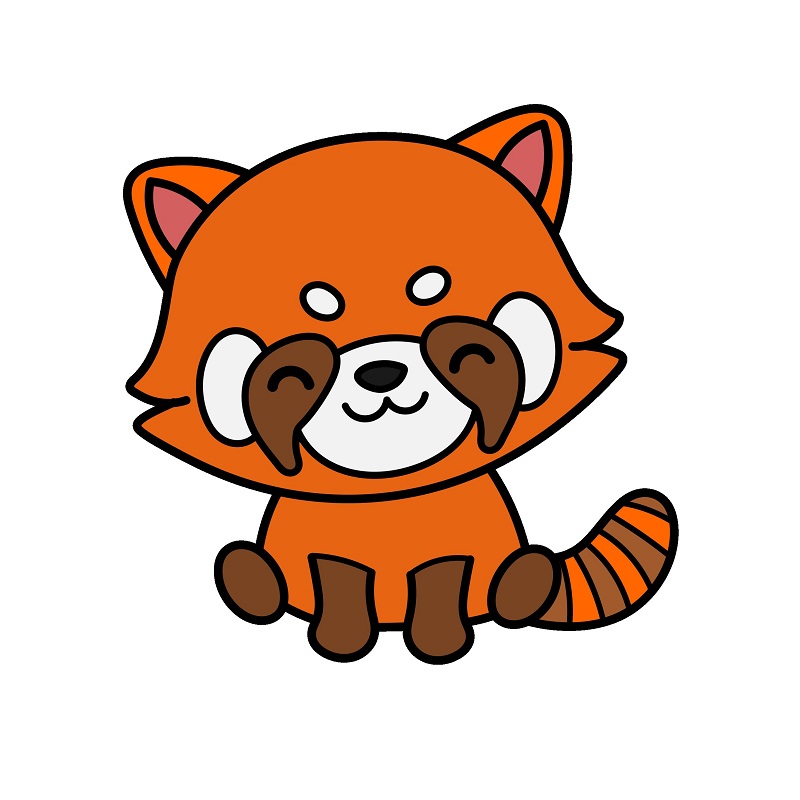
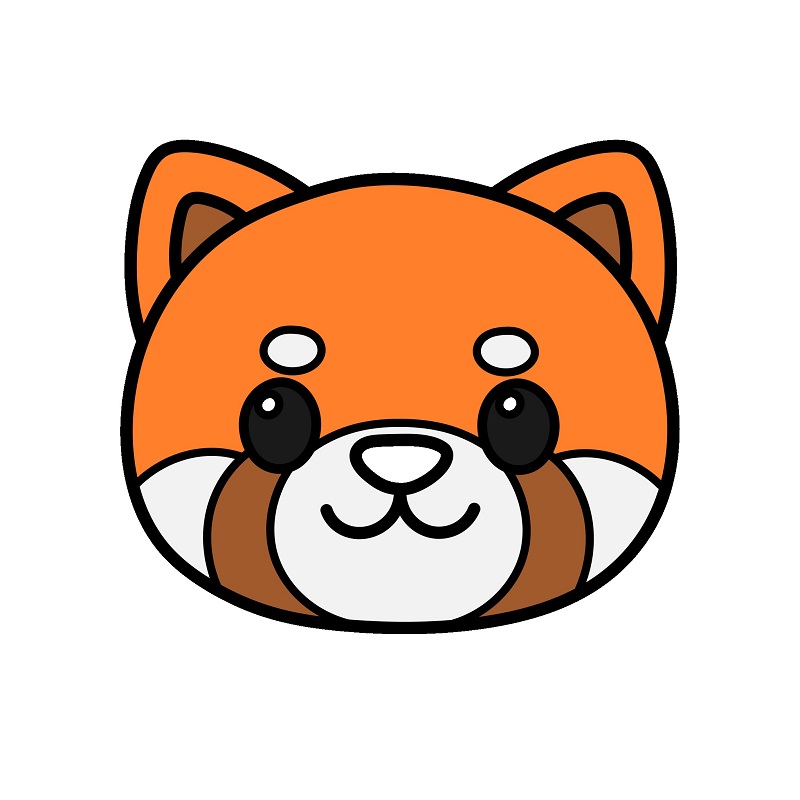
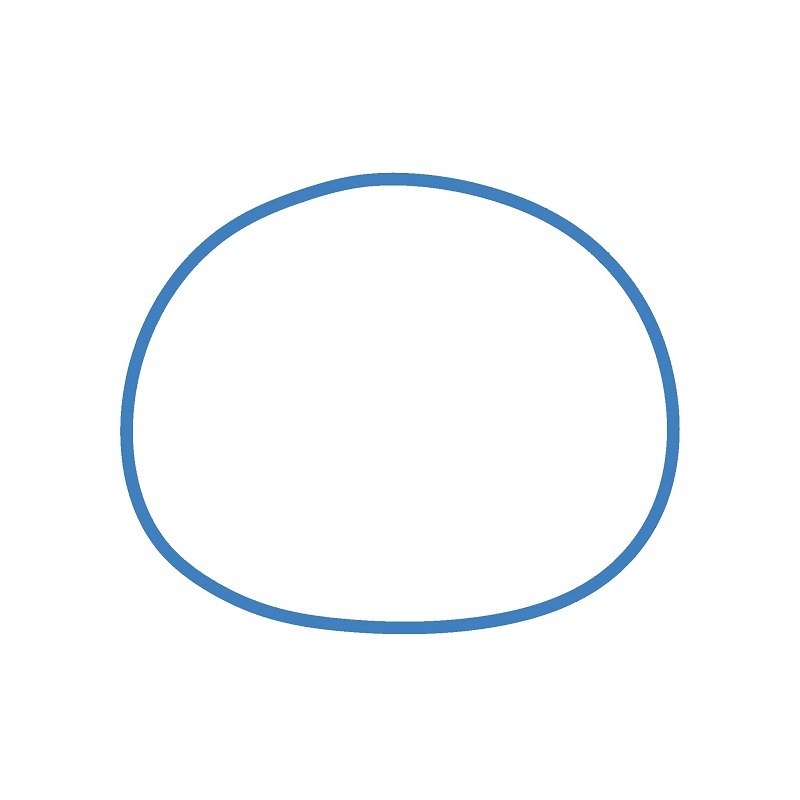
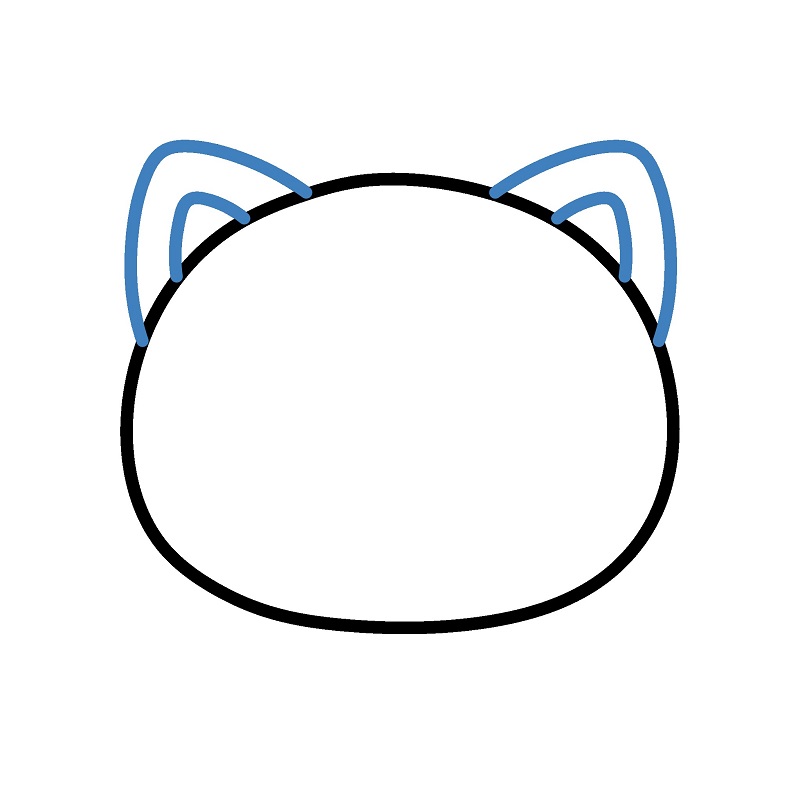
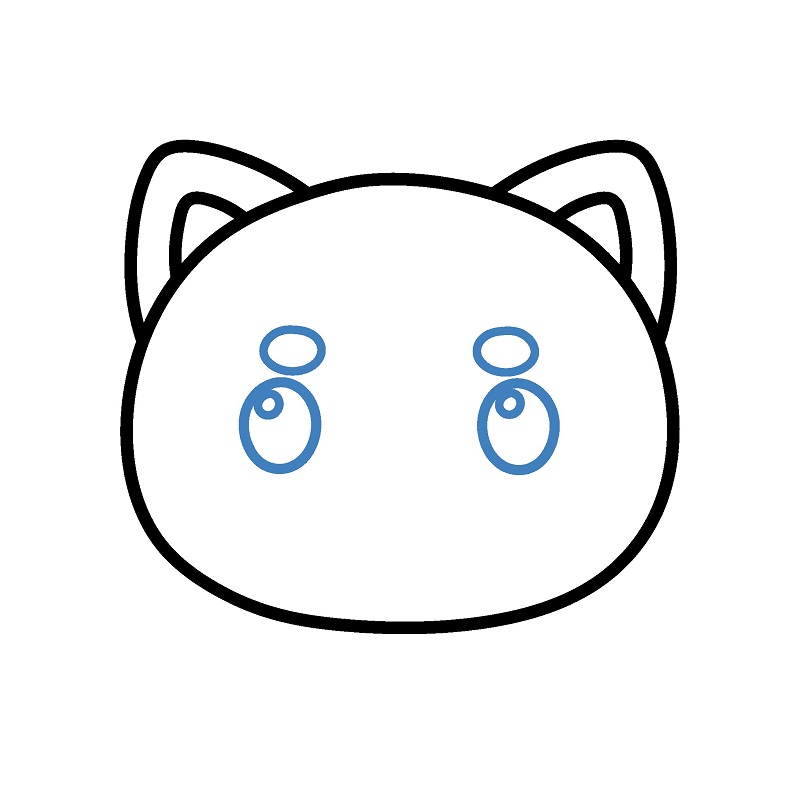
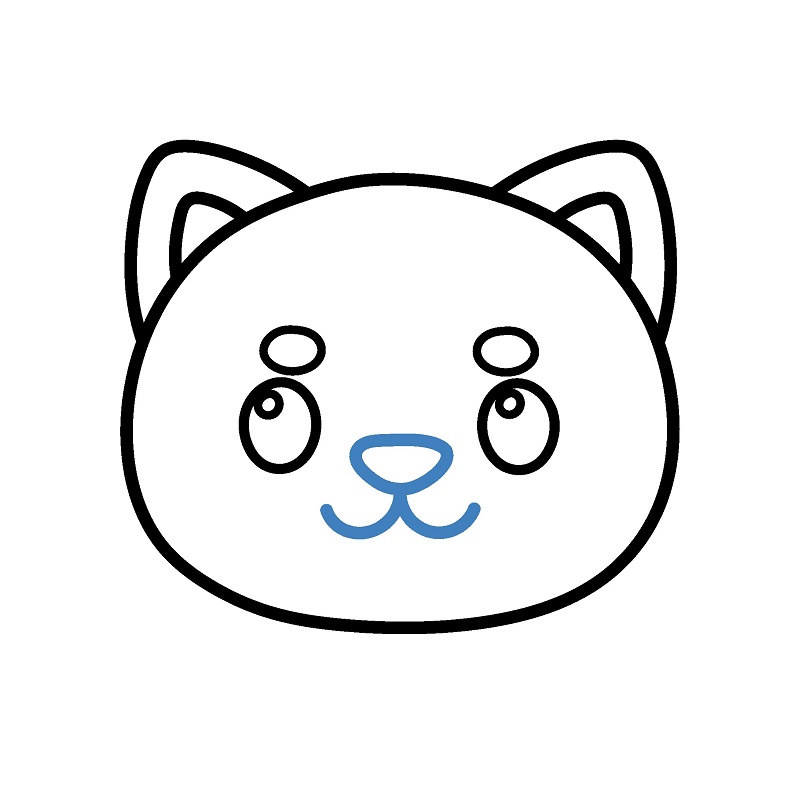
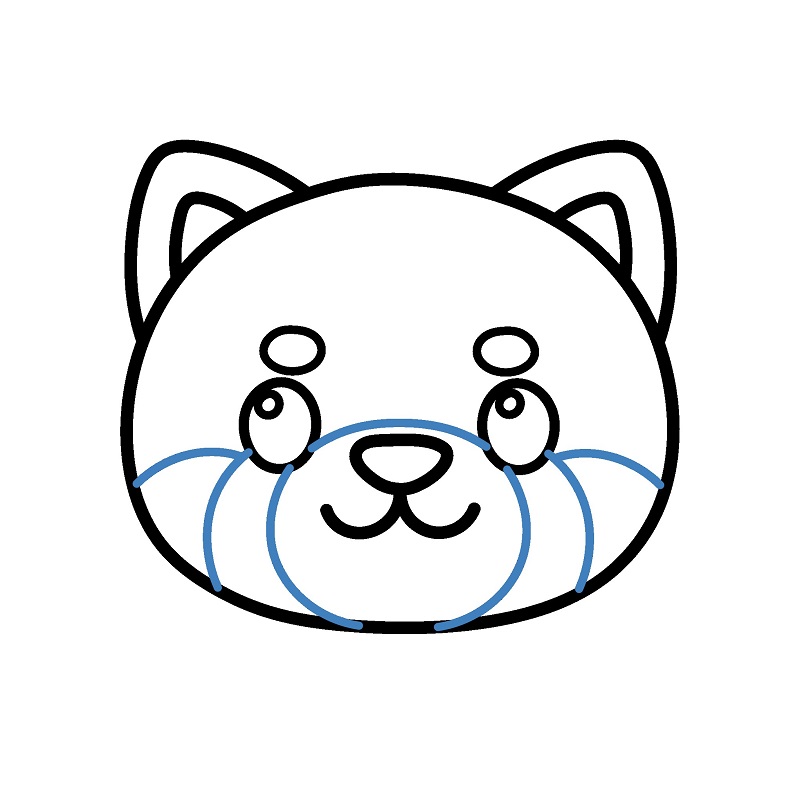
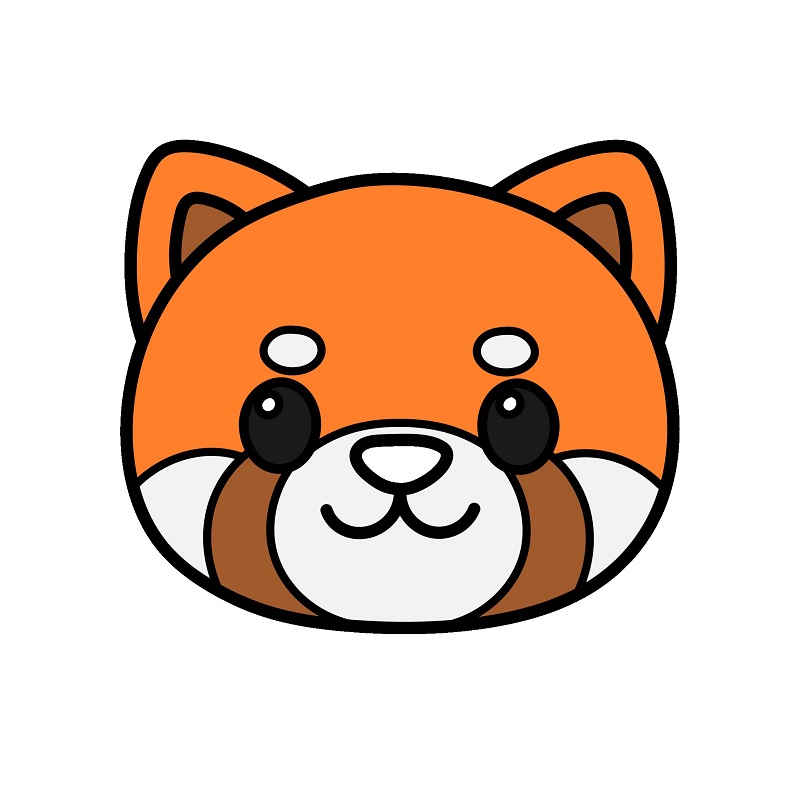
Guide to Drawing a Red Panda's Head.
6 steps
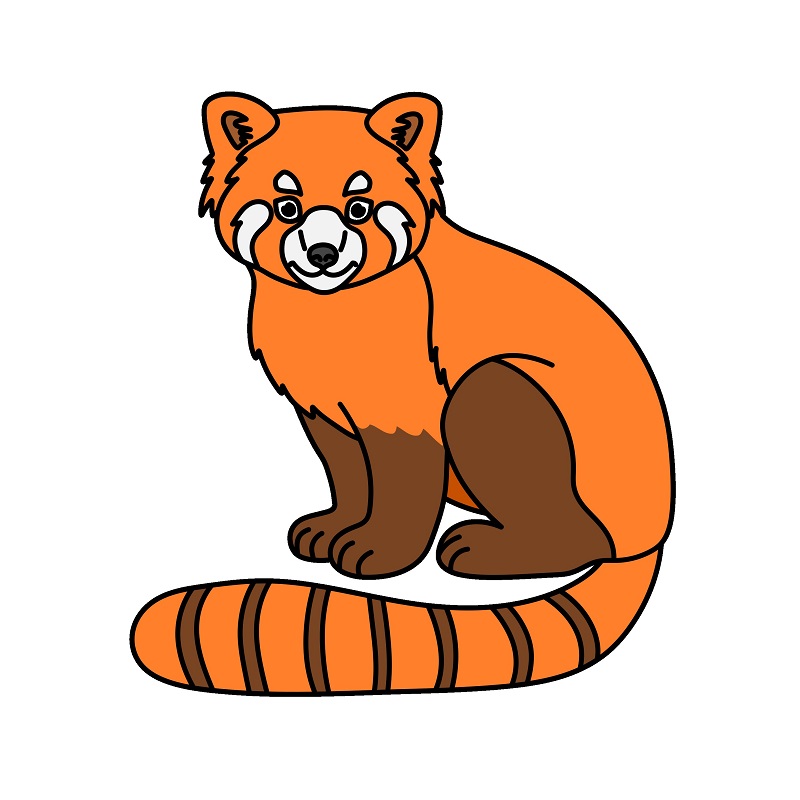
Guide to Drawing a Realistic Red Panda.
10 steps


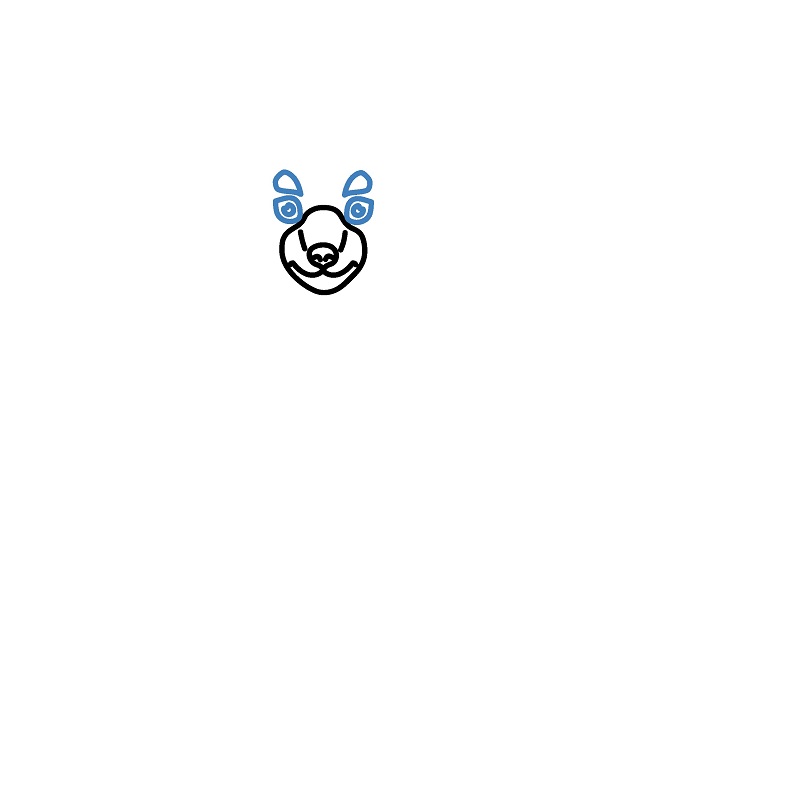
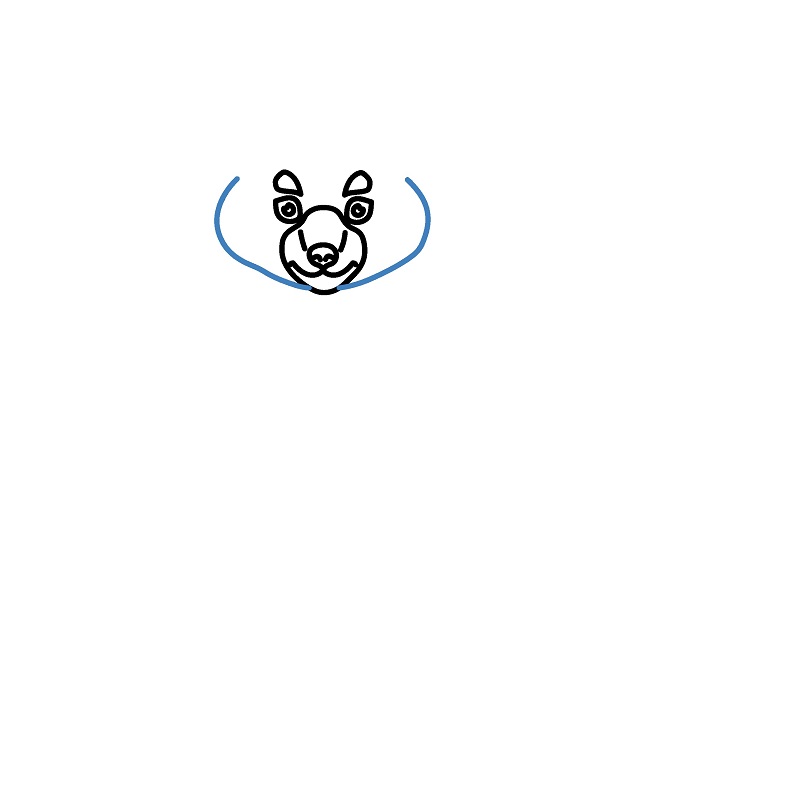
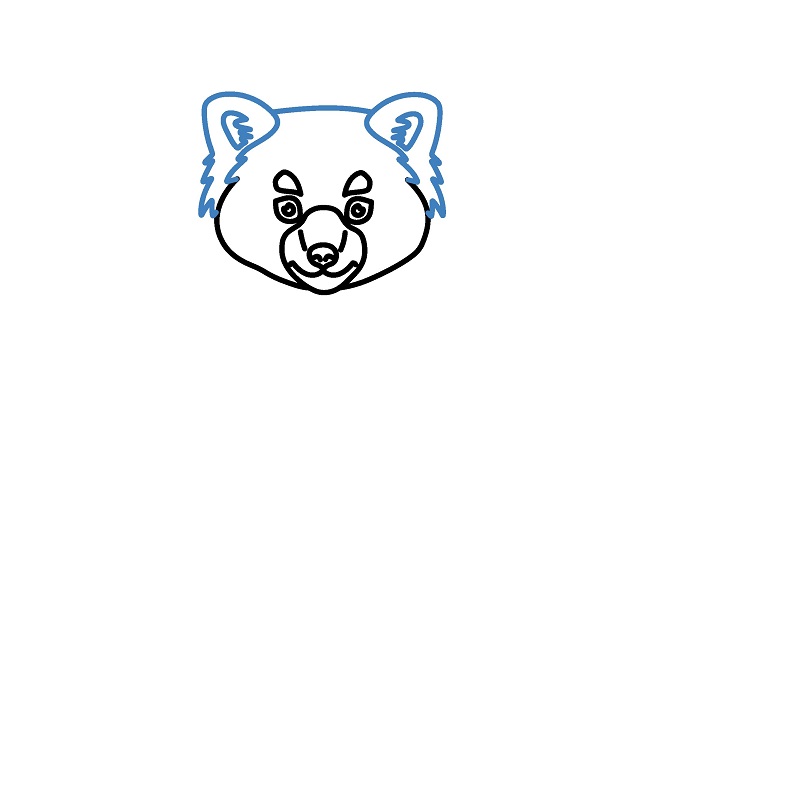
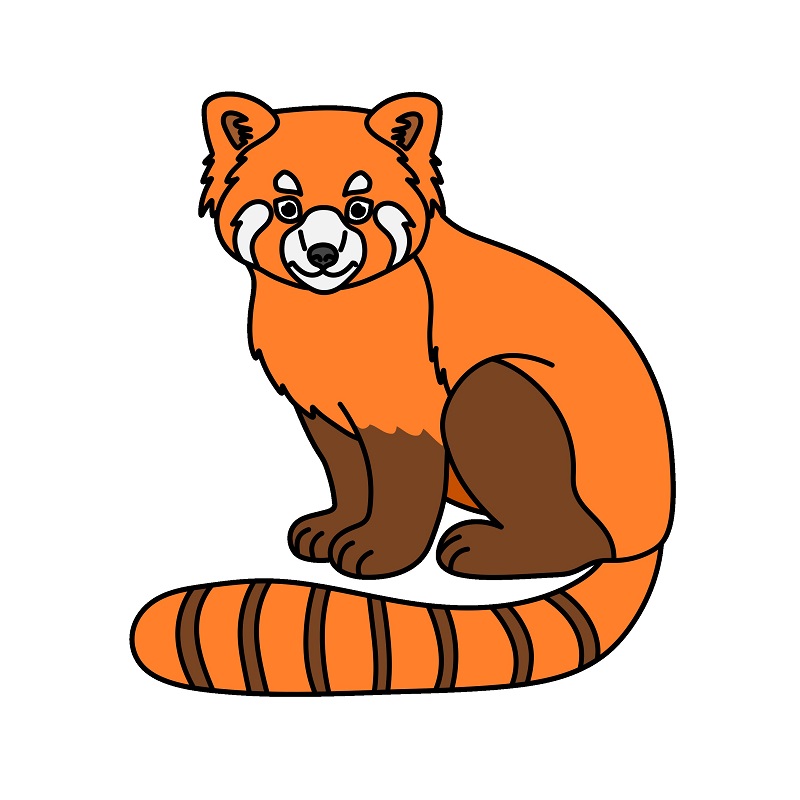
▶Drawing tips
- Draw lightly with a pencil first, then darken the lines when you're satisfied.
- You don't need to draw exactly like the sample — add your own style!
- After finishing your drawing, you can color it directly on Tomau.AI to make it more vibrant.