How to Draw a Camel Without a Hump
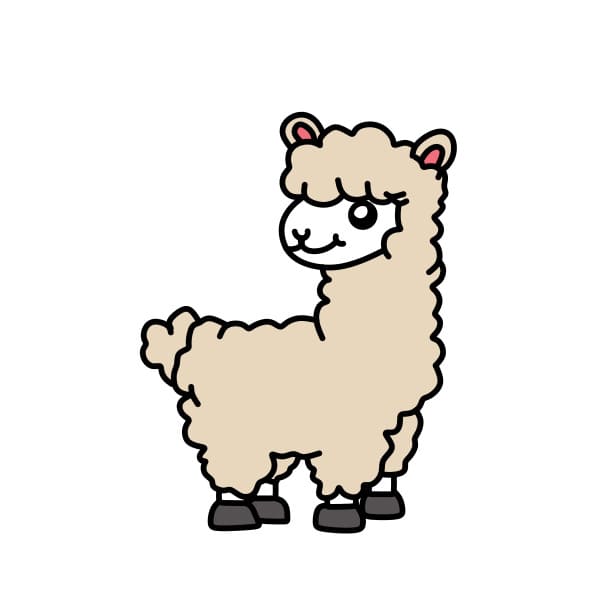
Want to learn how to draw how to draw a camel without a hump? This tutorial will help you do it in just 33 simple steps, with clear illustrations for each step. Whether you're a beginner or experienced, the steps below are easy to understand and follow.
You just need a pencil, drawing paper, and an eraser — then start drawing step by step!
This lesson includes 4 different ways to draw. Choose the one that suits you best!
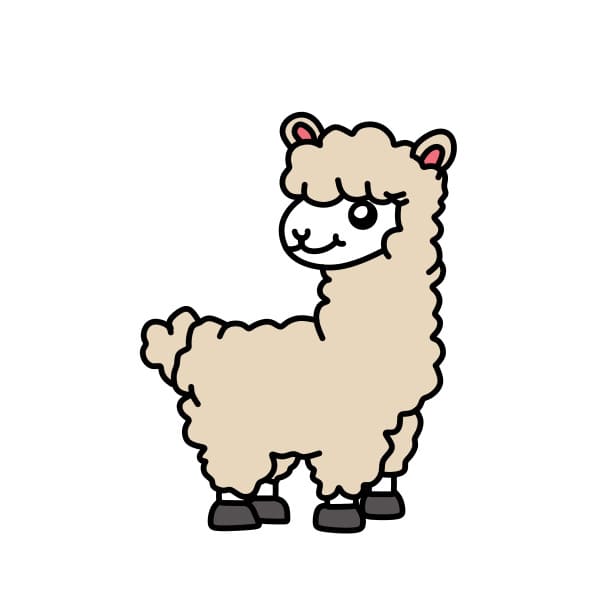
Simple and Beautiful Drawing Guide for a Dromedary Camel for Kids
9 steps

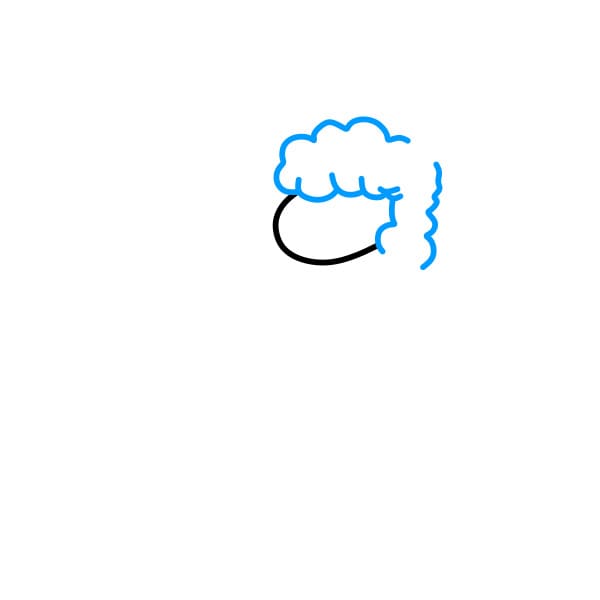
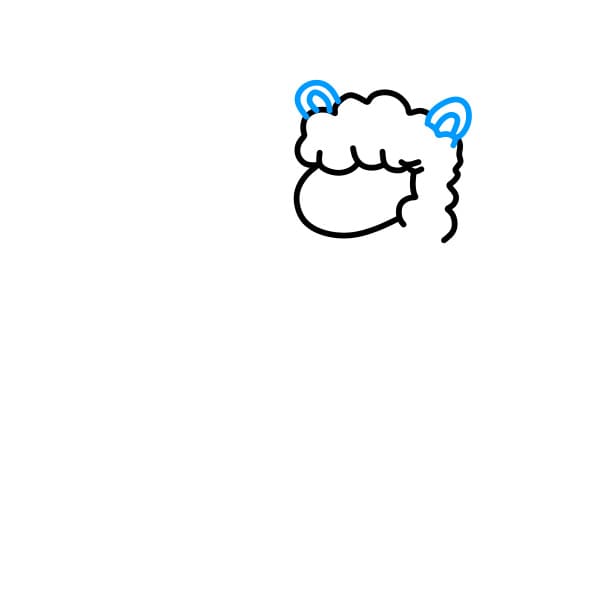
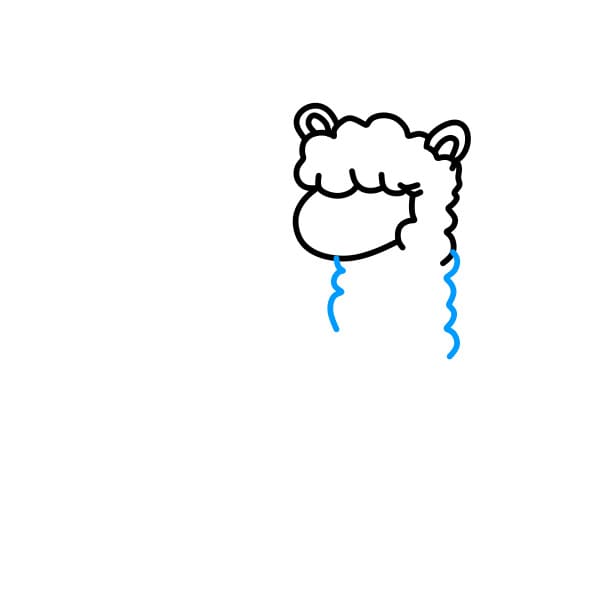
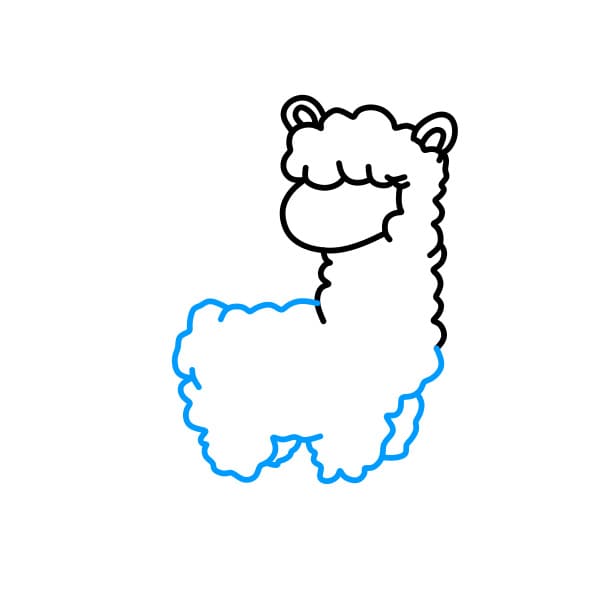
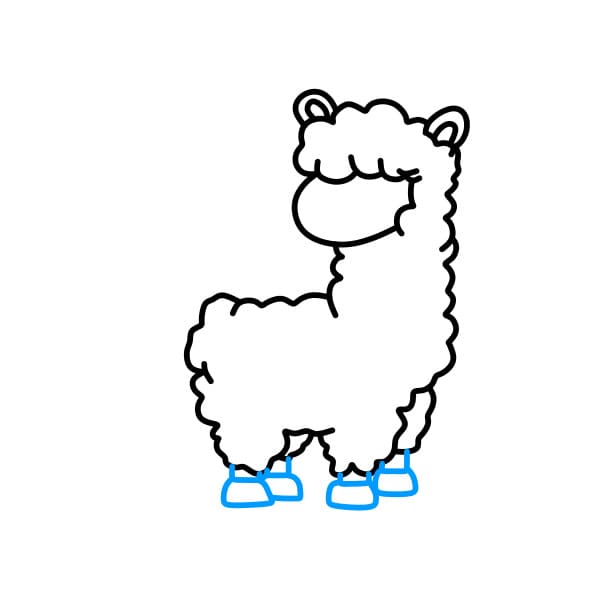
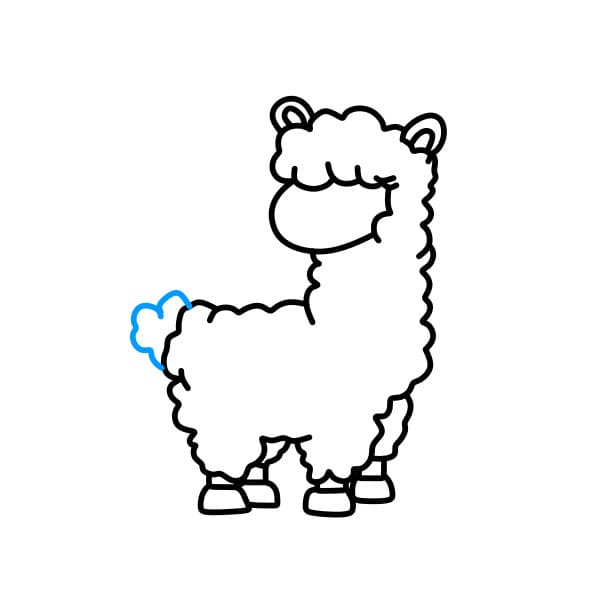
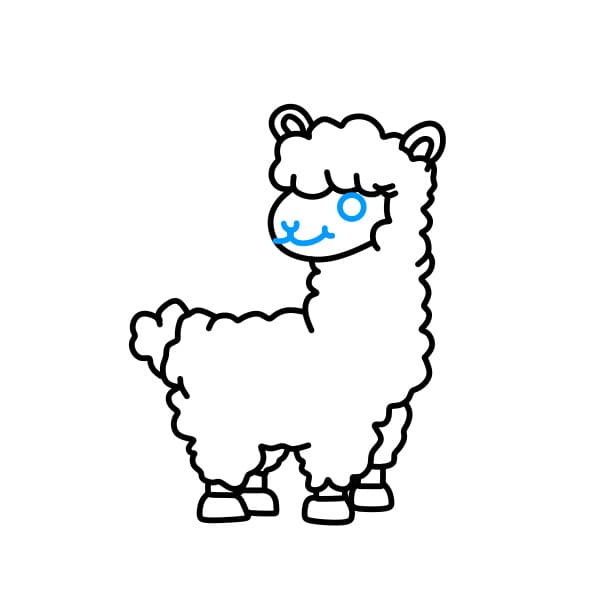
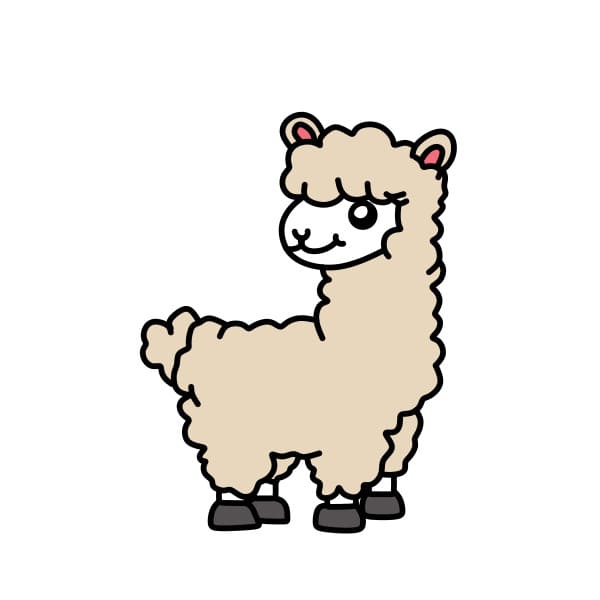
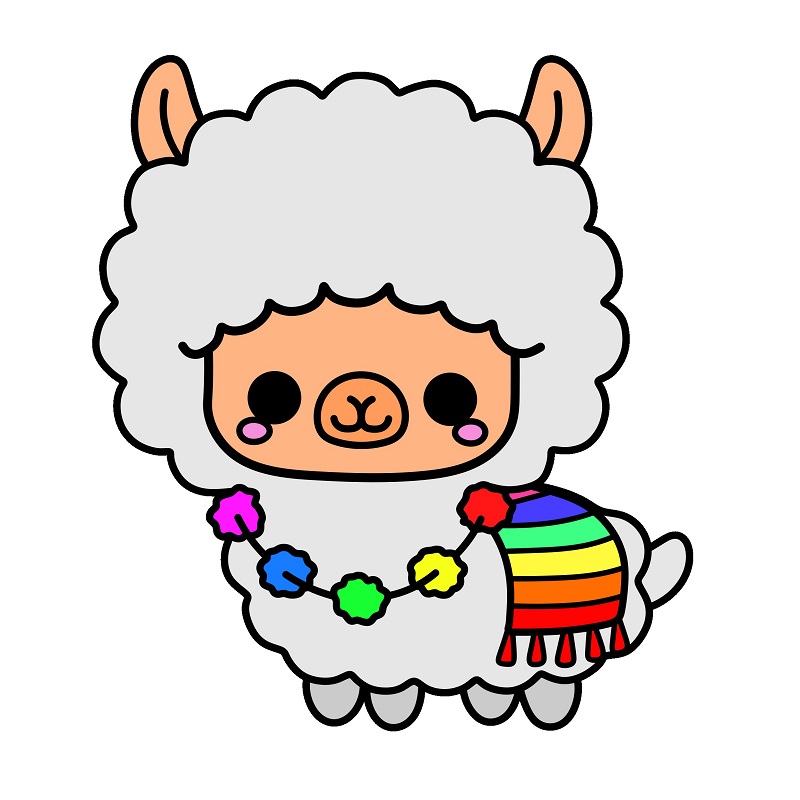
How to Draw a Cute Camel
10 steps
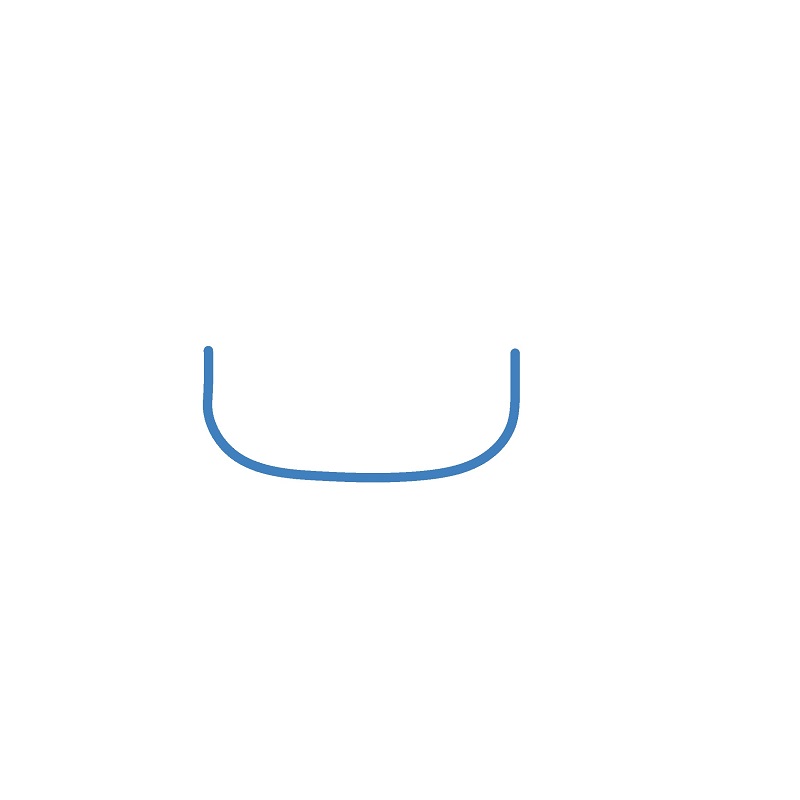
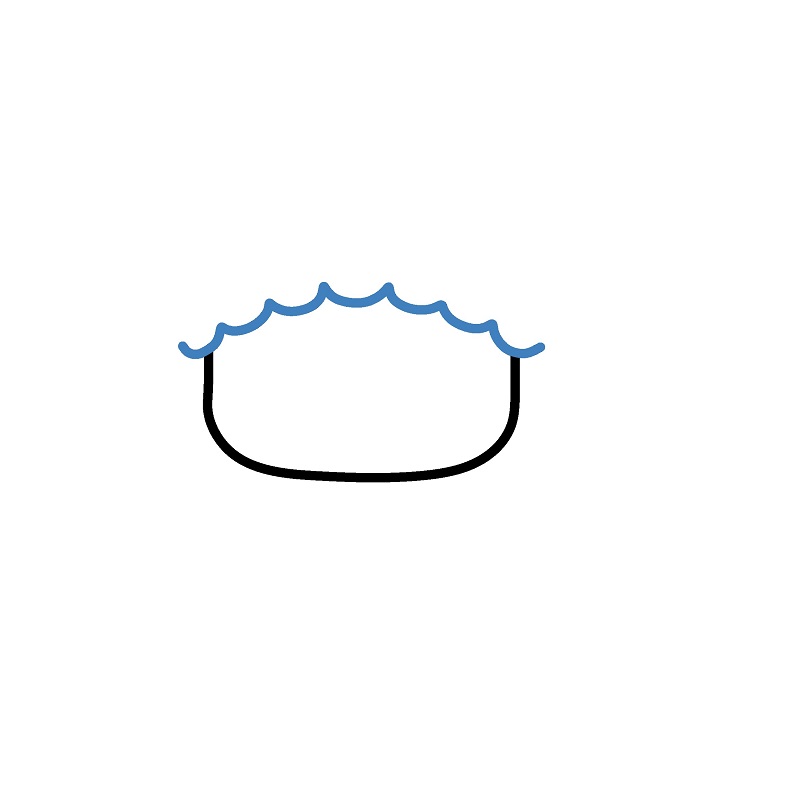
Step 3
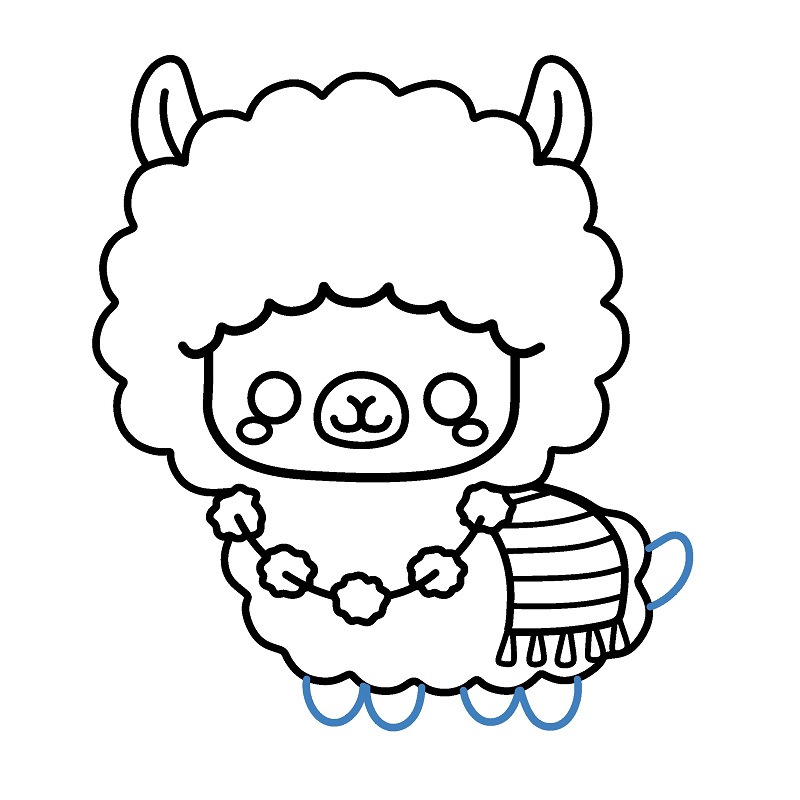
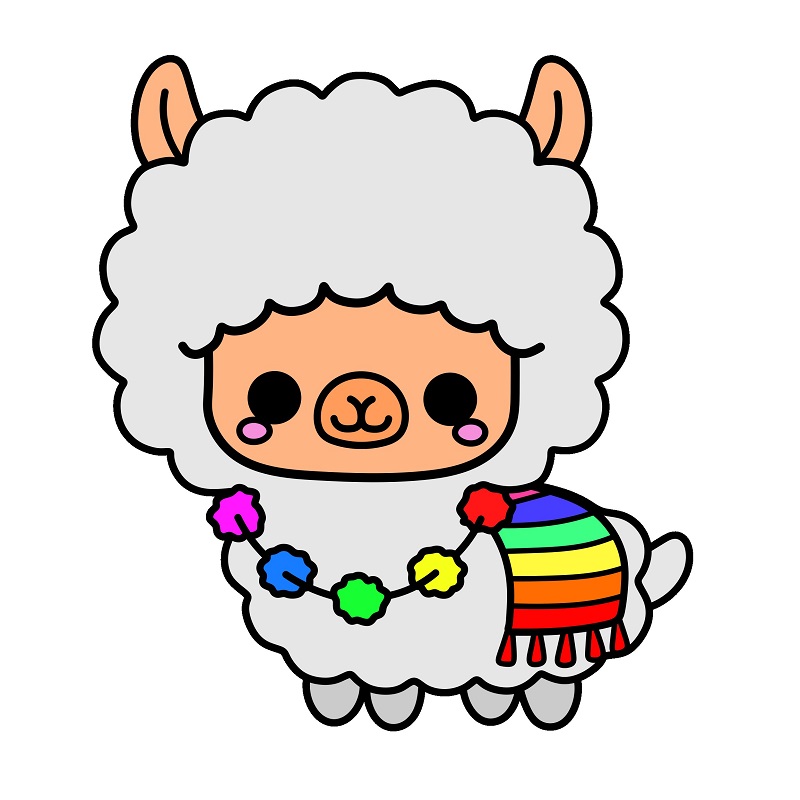
Draw facial details, including round eyes, a small nose, and a mouth, to create a cute expression.
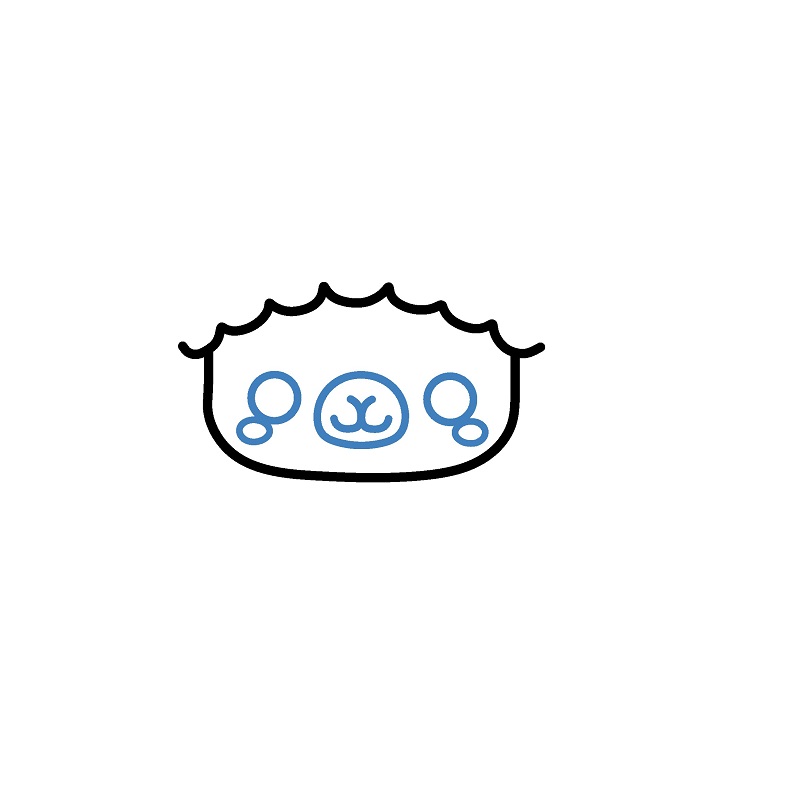
Step 4
Draw the fur around the head with wavy lines surrounding the face to depict soft fur.
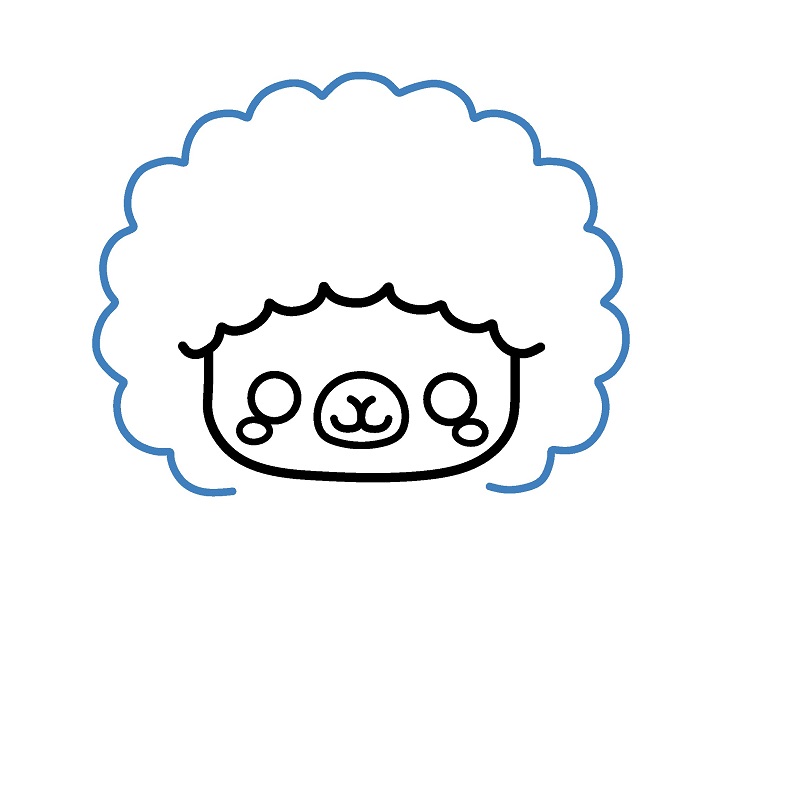
Step 5
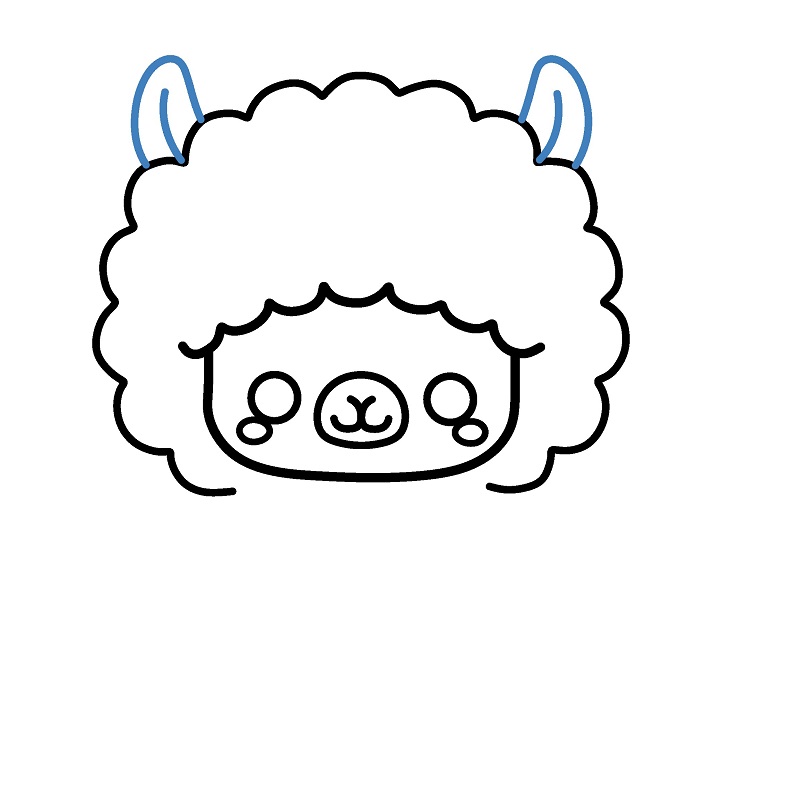
Draw two soft triangular ears on top of the head, slightly angled outward to complete the head.
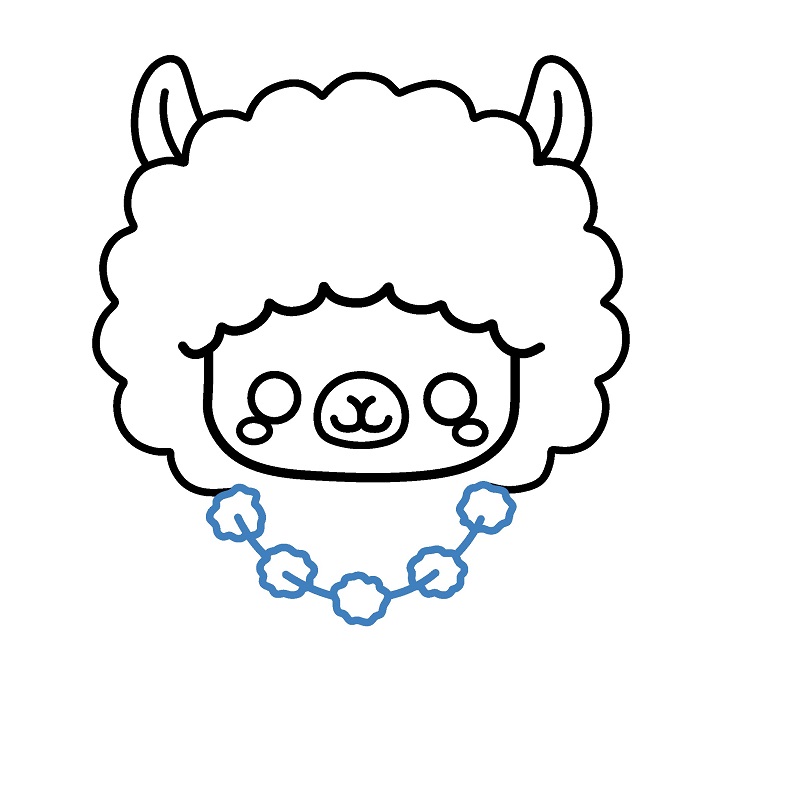
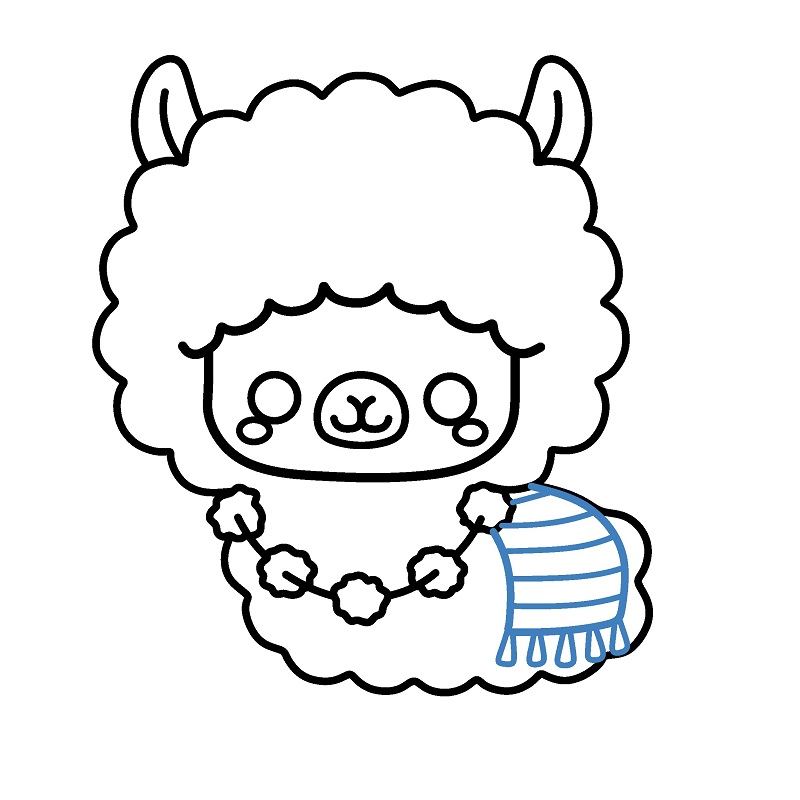
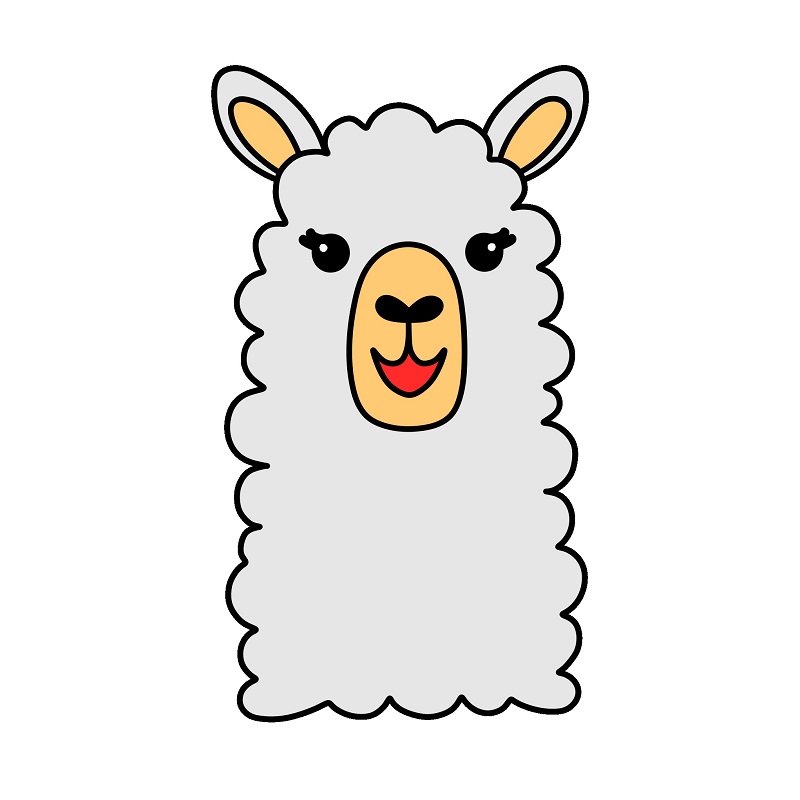
Guide to Drawing a Camel's Head
6 steps
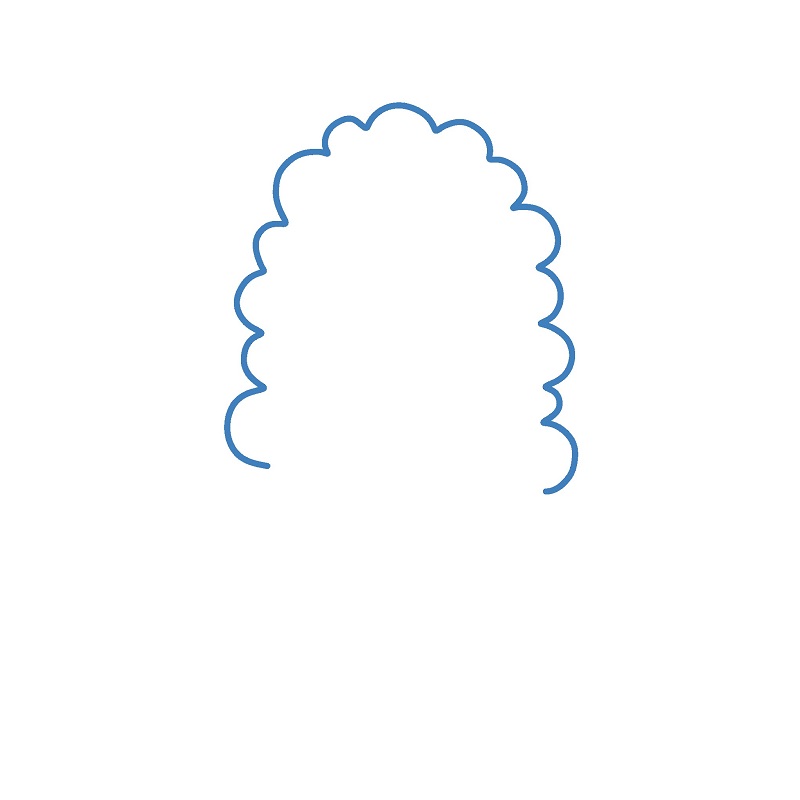
Step 1
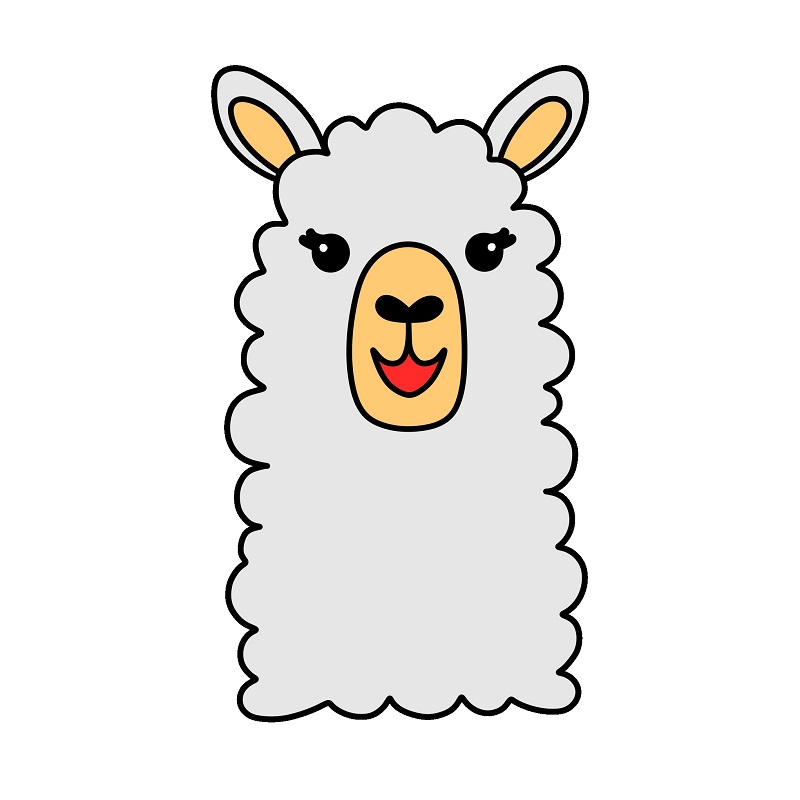
Draw the fur outline around the head. Start with a curve using wavy lines to shape the fluffy fur around the face.
Step 2
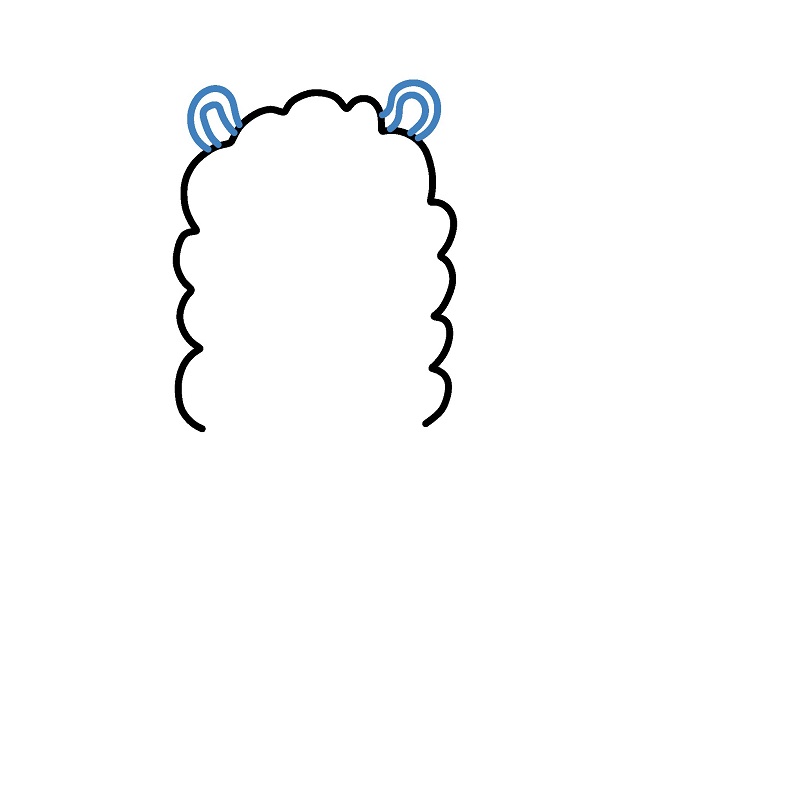
Add two ears. Draw two ears at the top of the head, shaped like long leaves and pointing outward.
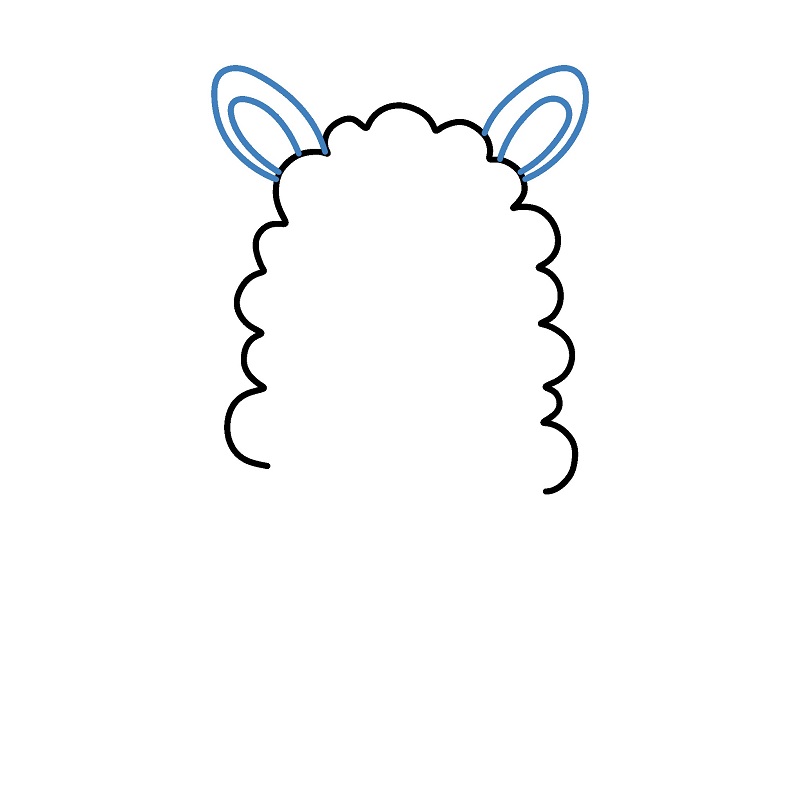
Step 3
Draw the eyes. Add two small round eyes on either side of the head, each with eyelash details for a cute look.
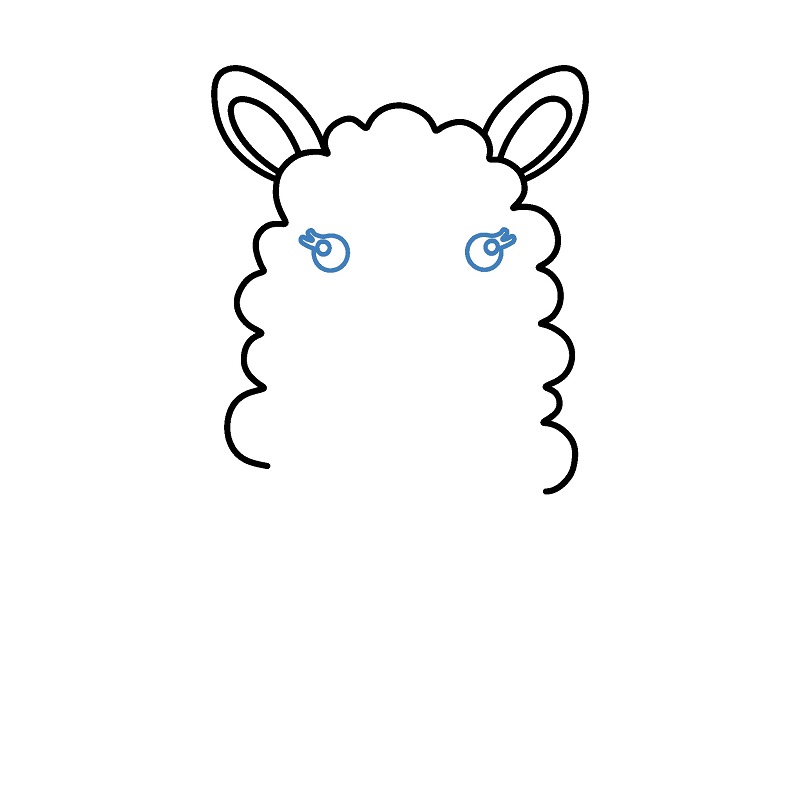
Step 4
Draw the nose and mouth in the center of the face, using curved lines to shape the nose and a cute smile.
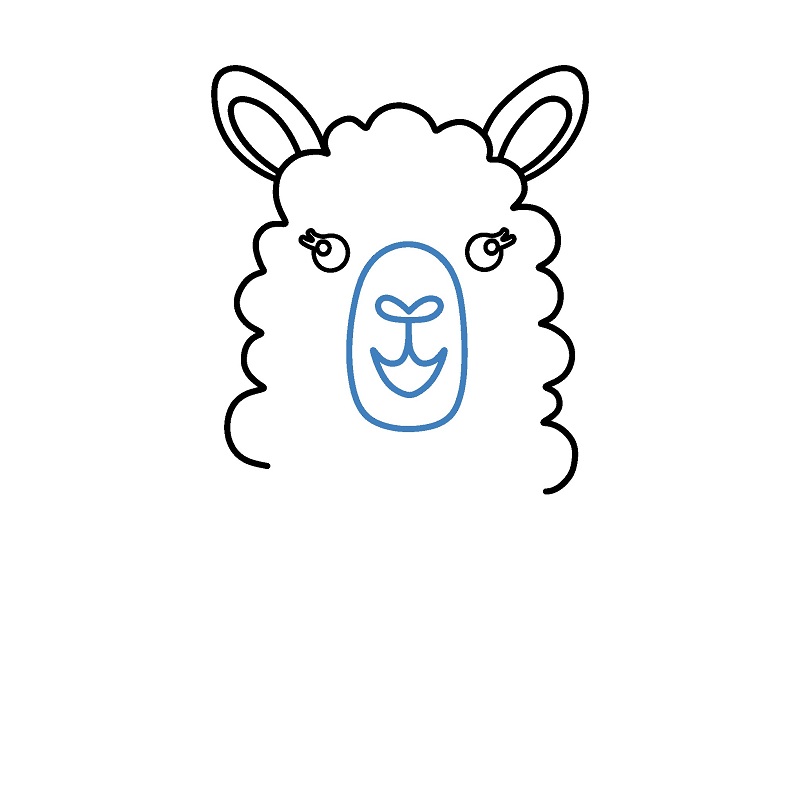
Step 5
Complete the lower part of the fur. Continue with wavy lines at the bottom to finish the shape of the camel's head.
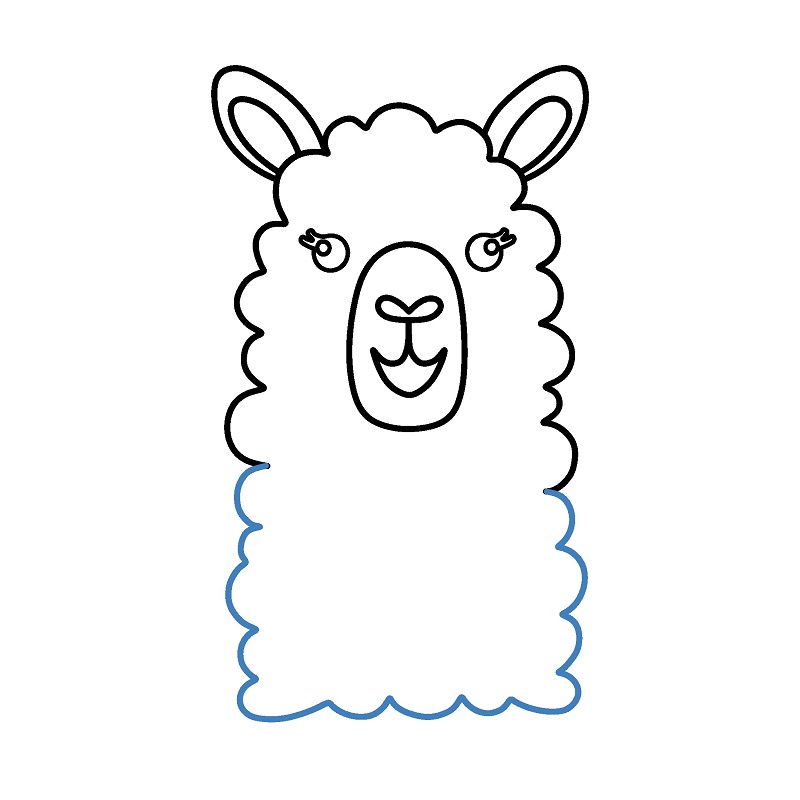
Simple Camel Drawing Tutorial
8 steps
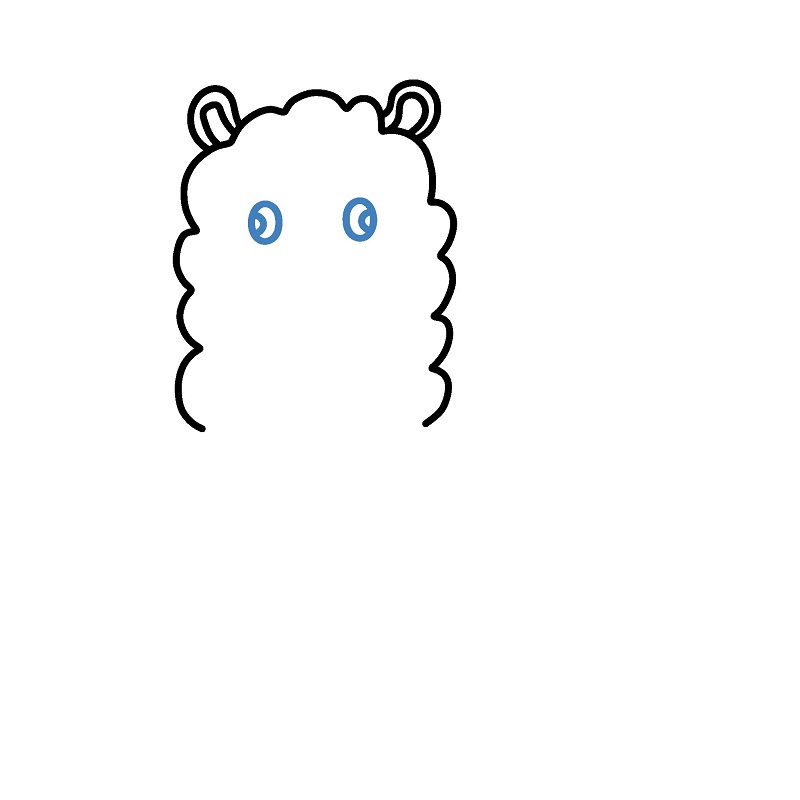
Step 3
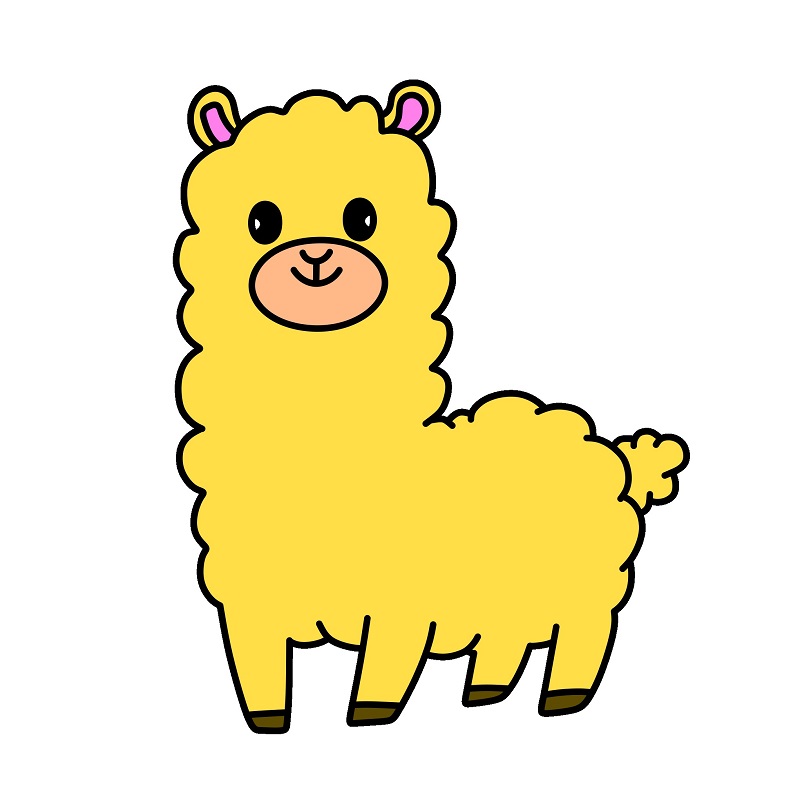
Draw two round eyes on the upper part of the face, each with small details for emphasis.
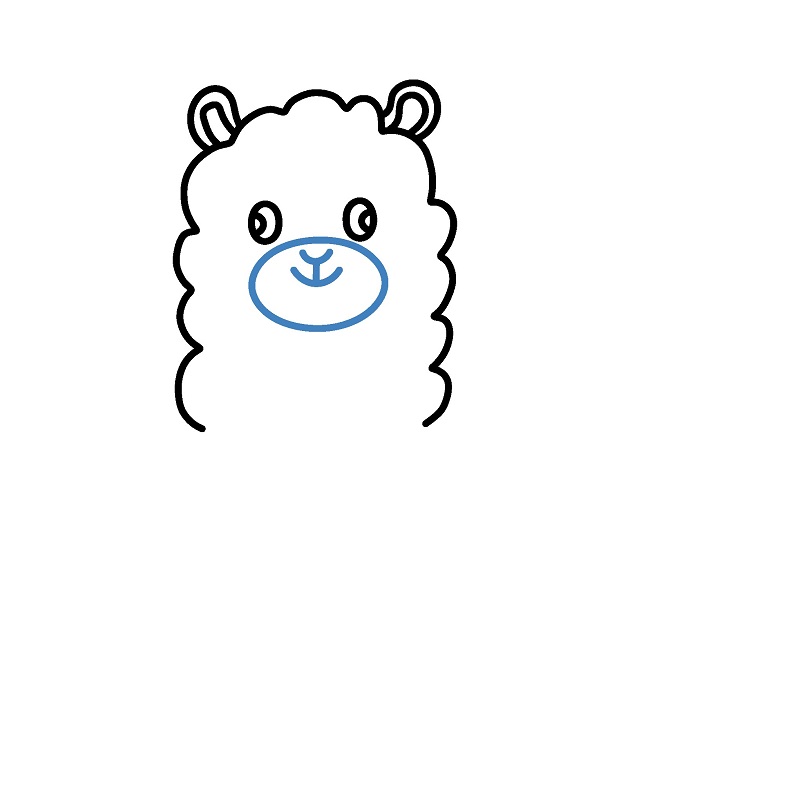
Step 4
Add a nose and mouth in the center of the face with simple curves to create a cute expression.
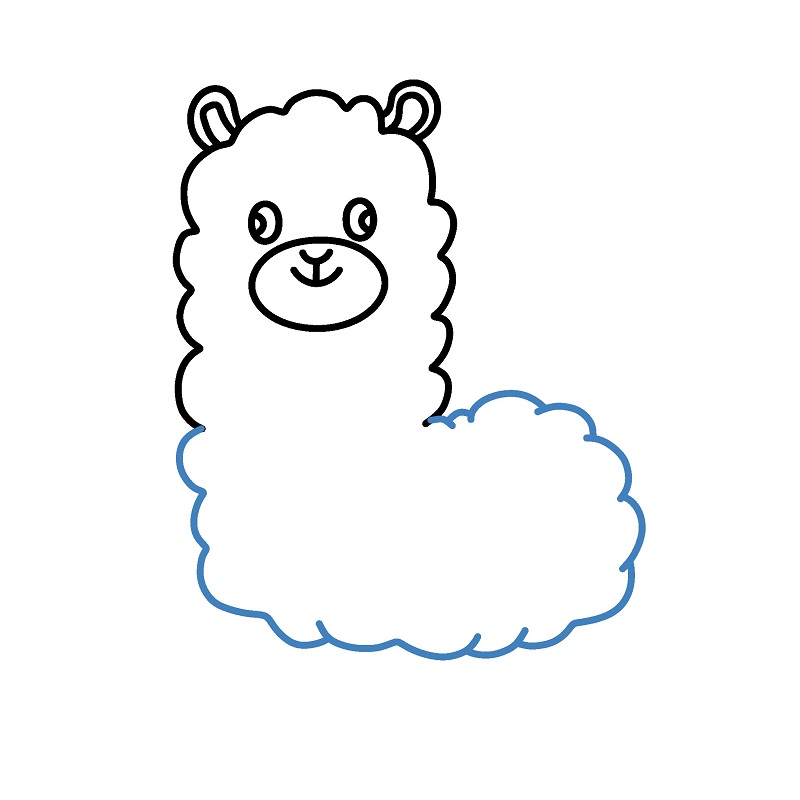
Step 5
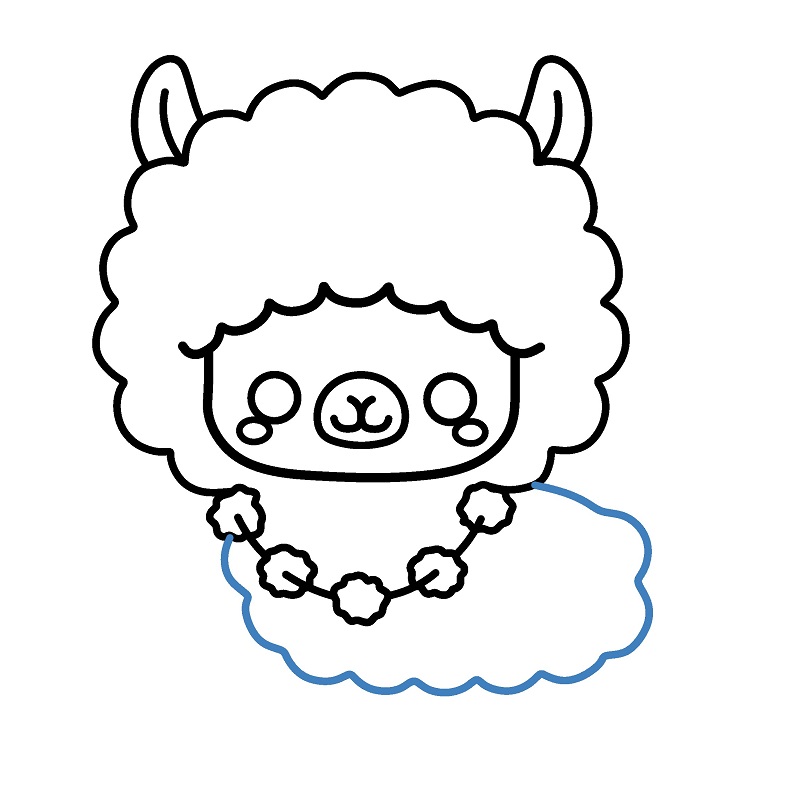
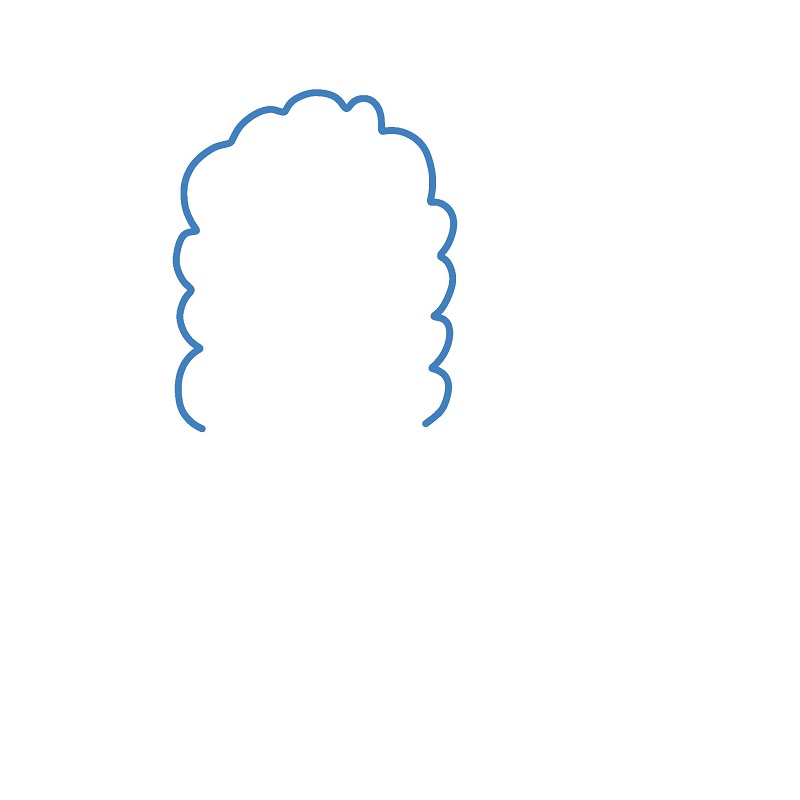
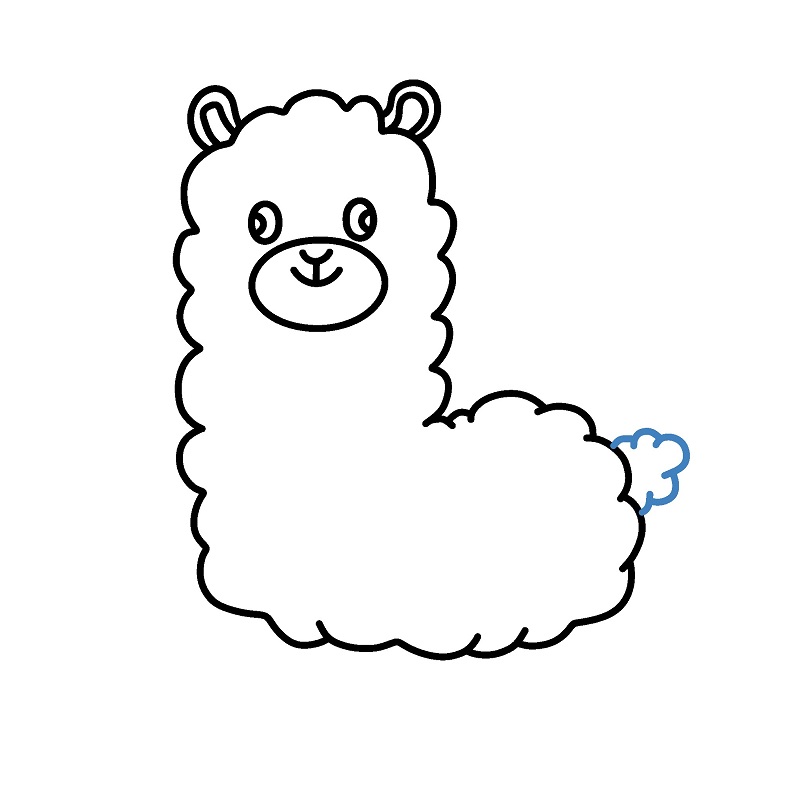
Draw the body. Use large wavy lines to shape the body fur, connecting from the head down.
Step 7
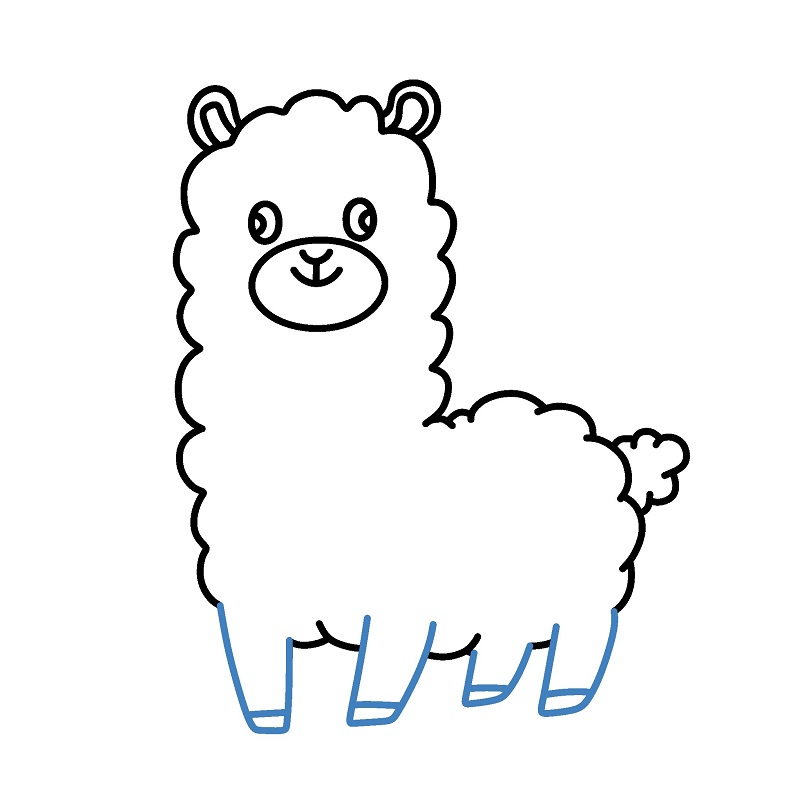
Draw the legs. Add four short legs at the bottom of the body, with straight and slightly curved lines to show standing posture.
▶Drawing tips
- Draw lightly with a pencil first, then darken the lines when you're satisfied.
- You don't need to draw exactly like the sample — add your own style!
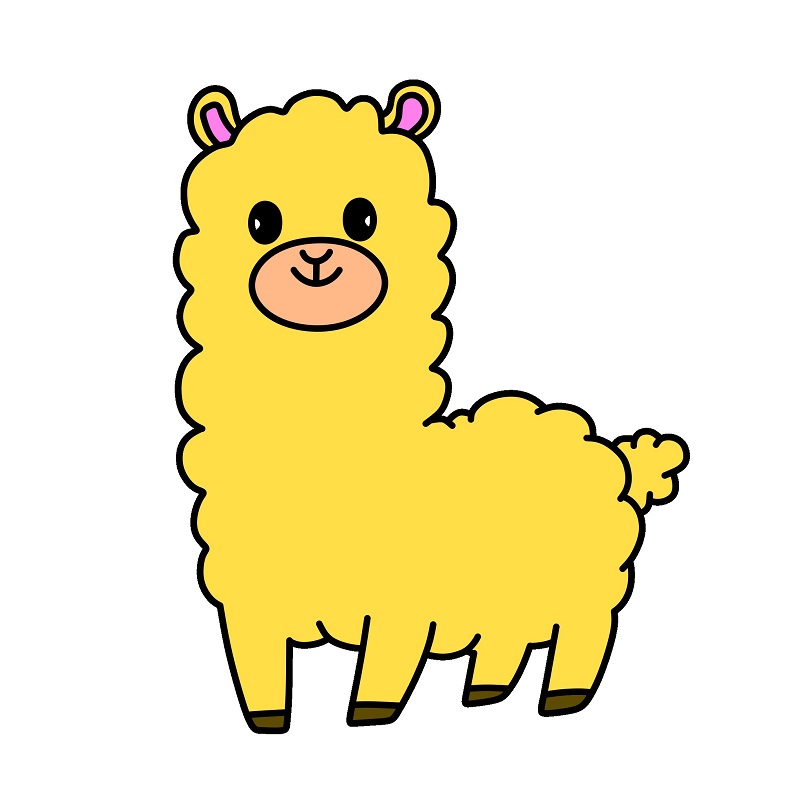
- After finishing your drawing, you can color it directly on Tomau.AI to make it more vibrant.